Hiring Manager Overview
Unlike regular seats, Hiring Managers have view-only access to Juicebox and can only see the projects and shortlists shared directly with them. Users frequently use a Hiring Manager seat to:- Share and review candidate profiles
- Leave feedback or notes
- Approve or reject candidates
- Prioritize candidates for outreach
Assigning a Hiring Manager Seat
To add a Hiring Manager to your team’s account:- Navigate to your account settings (bottom left), and click on Team Members under Organization
- Enter the email address of the Hiring Manager you would like to invite and select “Hiring Manager” from the dropdown
- Click Send Invite!
Requesting a Review
A key part of the Hiring Manager workflow is sending candidate profiles to a Hiring Manager for review. The process for requesting a review and the Hiring Manager’s own workflow are outlined below. To share a profile(s) with a Hiring Manager, go to your project’s shortlist and select the profiles you want reviewed. Then select Request Review at the top of the page. Once you request a review, a new Review Status column appears on your shortlist, showing each profile as Pending (not yet reviewed), Approved, Not a Fit, or Skipped.Reviewing Requested Profiles
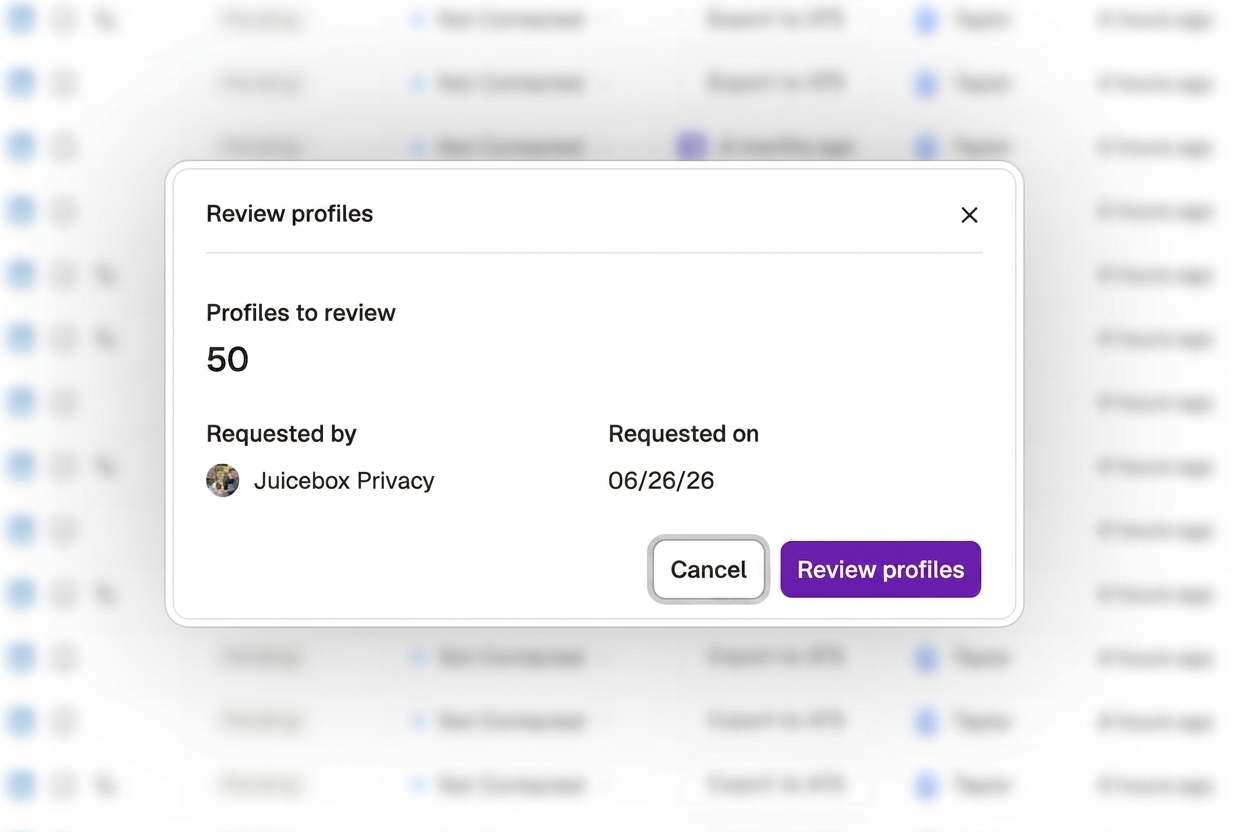
As the Hiring Manager, you will receive an email every time a team member has requested your review. From the email, you can select Review Profiles which will redirect you to the project’s shortlist where you can begin your review process.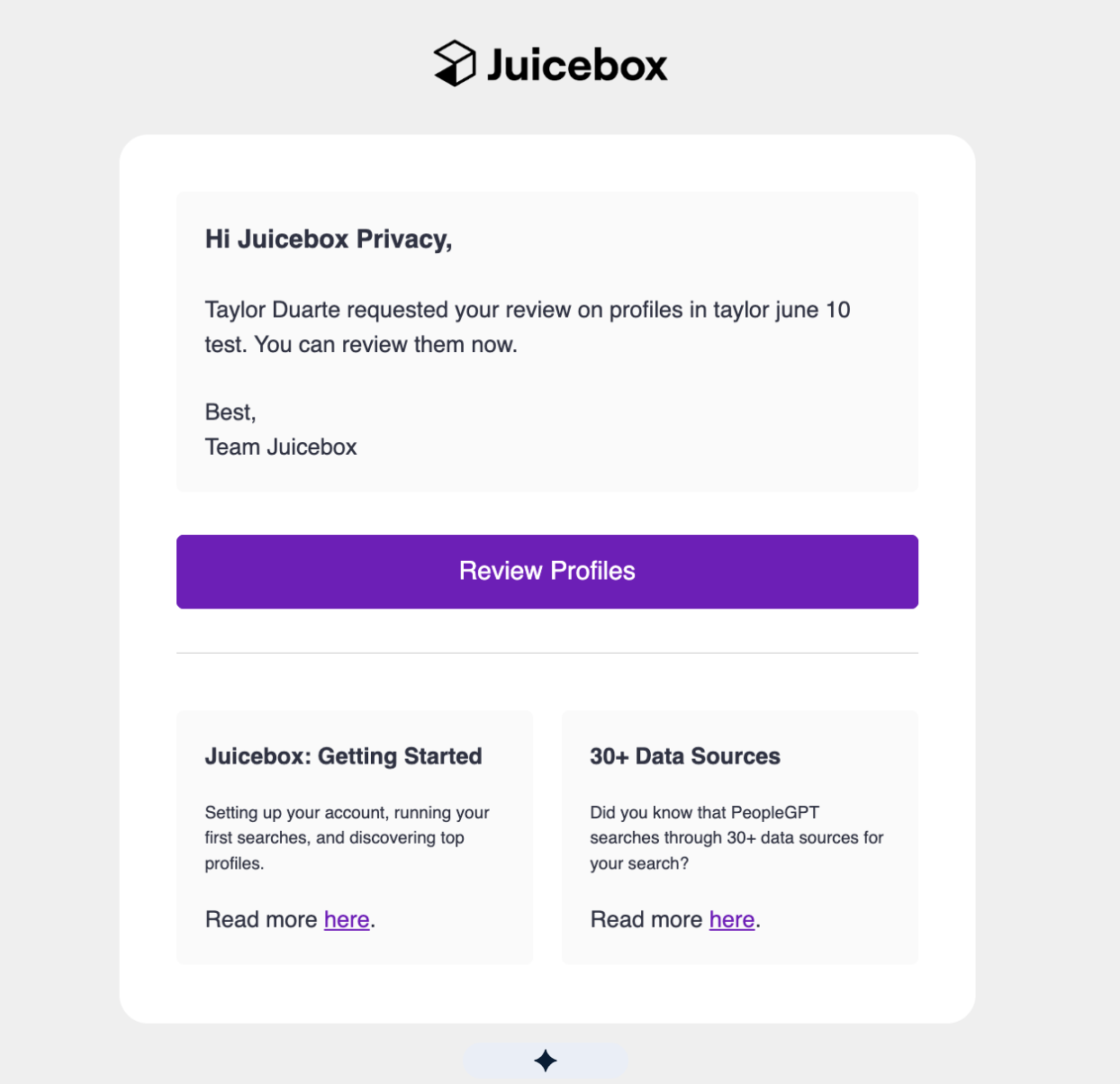 Once redirected, a pop-up will appear showing you how many profiles need to be reviewed, who requested the review, and when.
 For each profile, you can approve or reject the candidate, as well leave any feedback for the team to review.
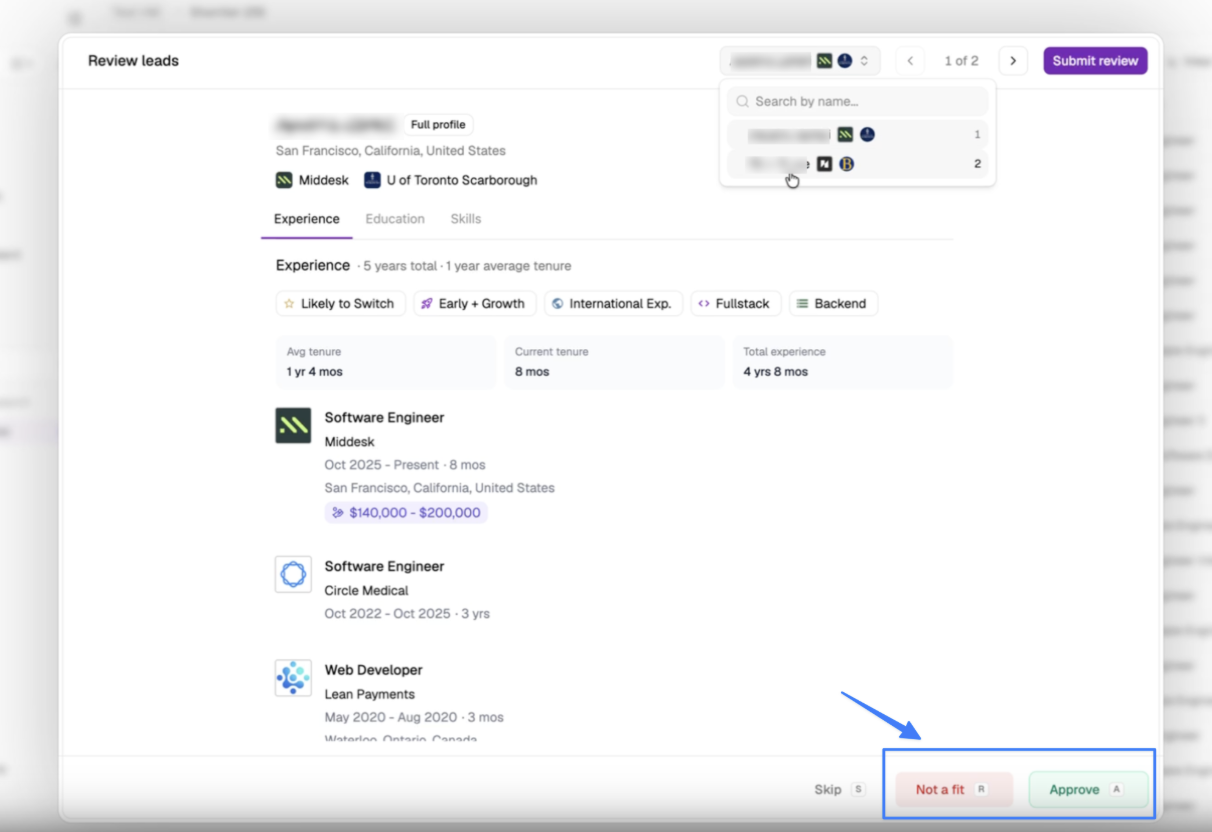 After all profiles have been reviewed, you can select Submit Review in the top right corner and your process is complete! The team member who requested your review will then receive an email notification letting them know that all profiles have been assessed.
Addressing Hiring Manager Feedback
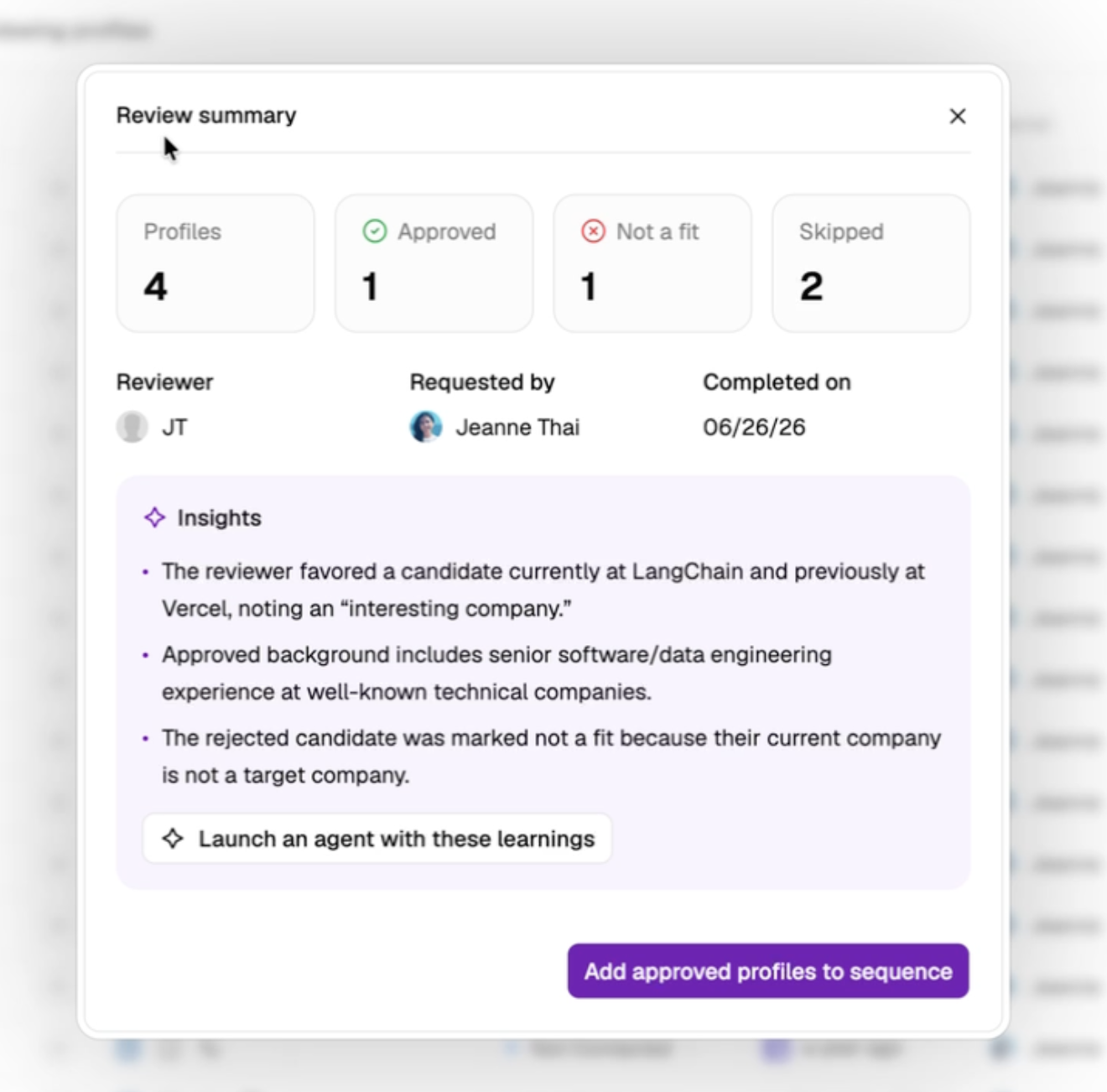
Once a hiring manager has completed their review, the hiring team can:- Click the Review Profiles link in their email to access completed feedback
- View approval or rejection statuses along with any comments left by the hiring manager
- Launch an agent with the Hiring Manager insights
- Add all approved profiles to a sequence