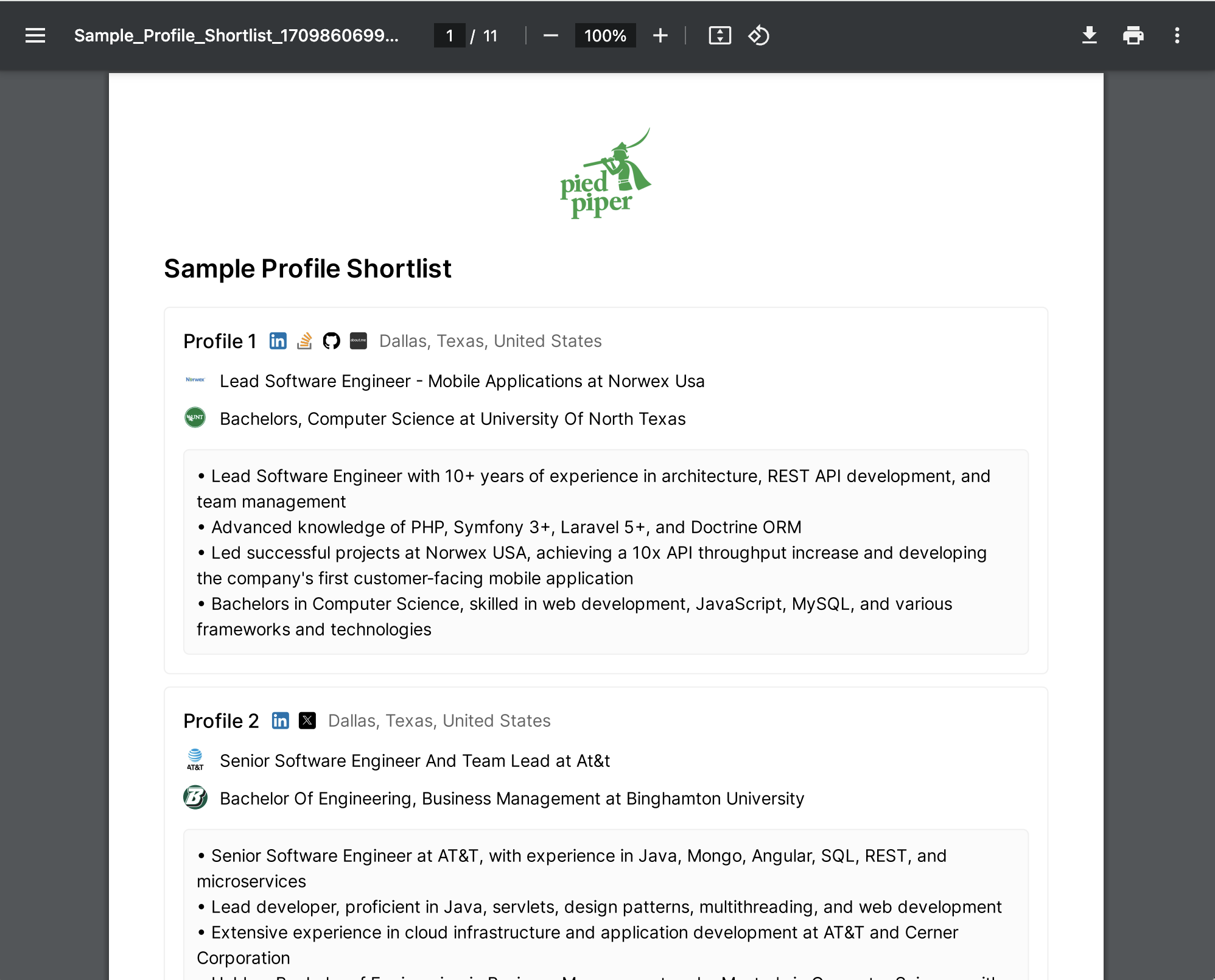
Create a Report
On the shortlisted profiles tab, click the “Generate Smart Report” button on the top left. You can either select a sub-set of profiles beforehand, or generate the report across your entire shortlist.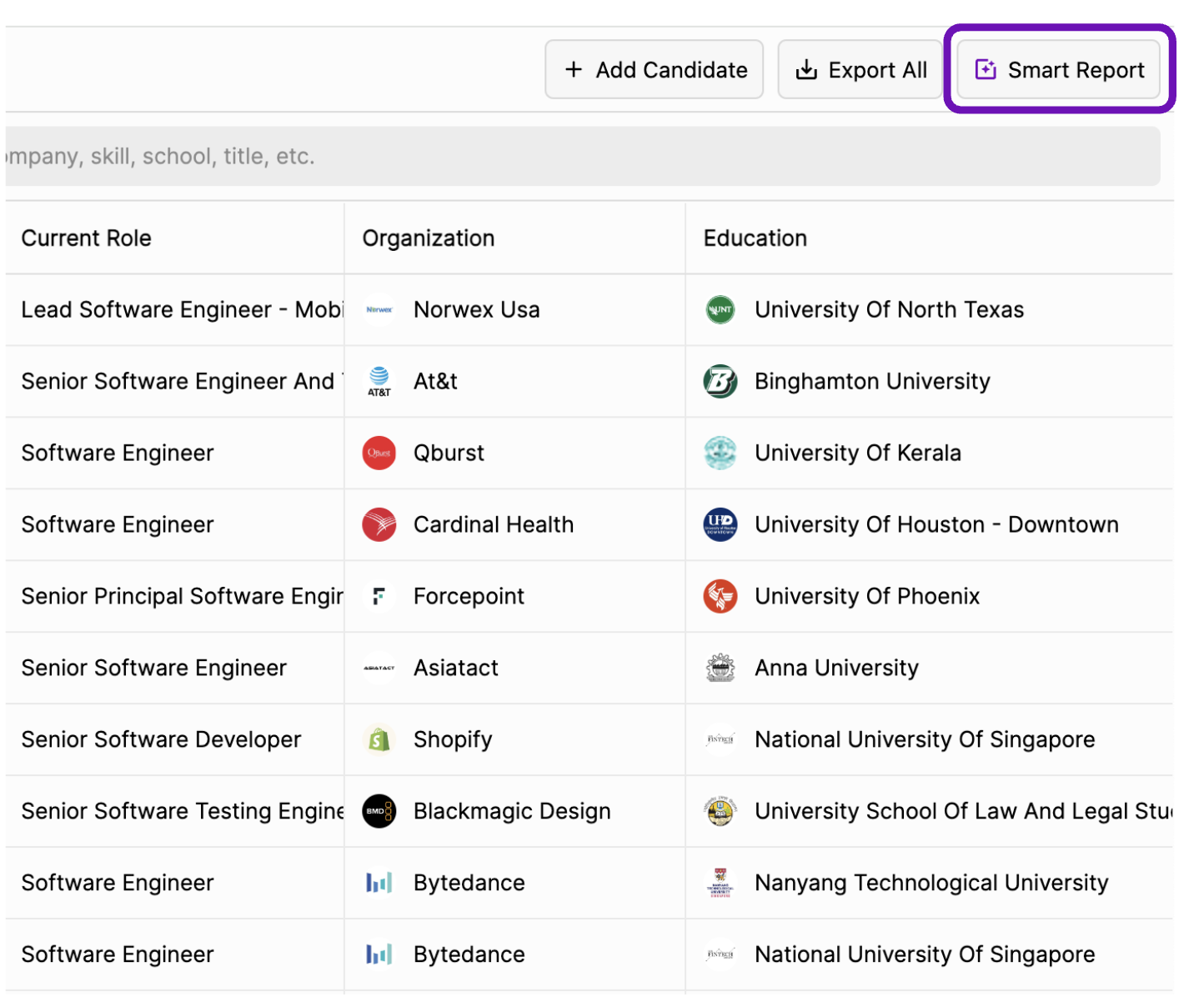
Configure your Report
Use different fields to configure your Smart Report to your preferences.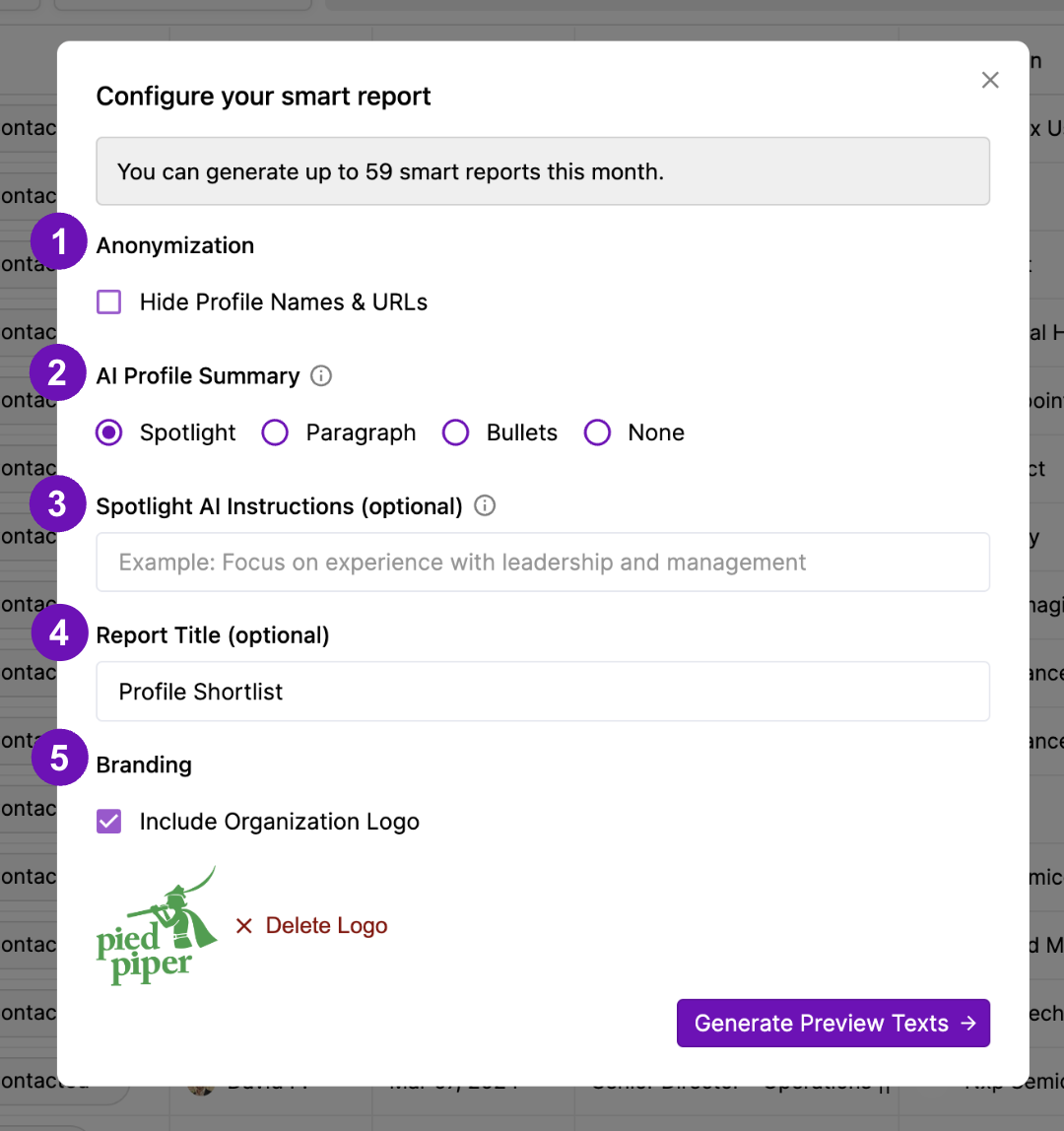 Options include:
- Anonymization: you can remove all candidate names. The platform will instead show “Profile 1”, “Profile 2”, etc. While link icons will still be shown, e.g. Github, the links will be hidden. If Anonymization is not selected, the full profile name will be shown, alongside their profile URLs.
- AI Profile Summary: choose the format you’d like the AI to use in the summary. If you choose the Spotlight option, the AI will also be able to follow your custom instructions (see step #3).
- Spotlight AI Instructions: would you like the AI to highlight specific profile experiences? Add a short command here, which the AI will use in its personalization.
- Report Title: configure a title for your report. This will appear in bold at the top of your report.
- Branding: include your company logo. You can upload all major image file types.
Preview and Edit Smart Report
Next, you have the option to customize your smart report texts. You can edit the AI-generated text based on your preferred wording.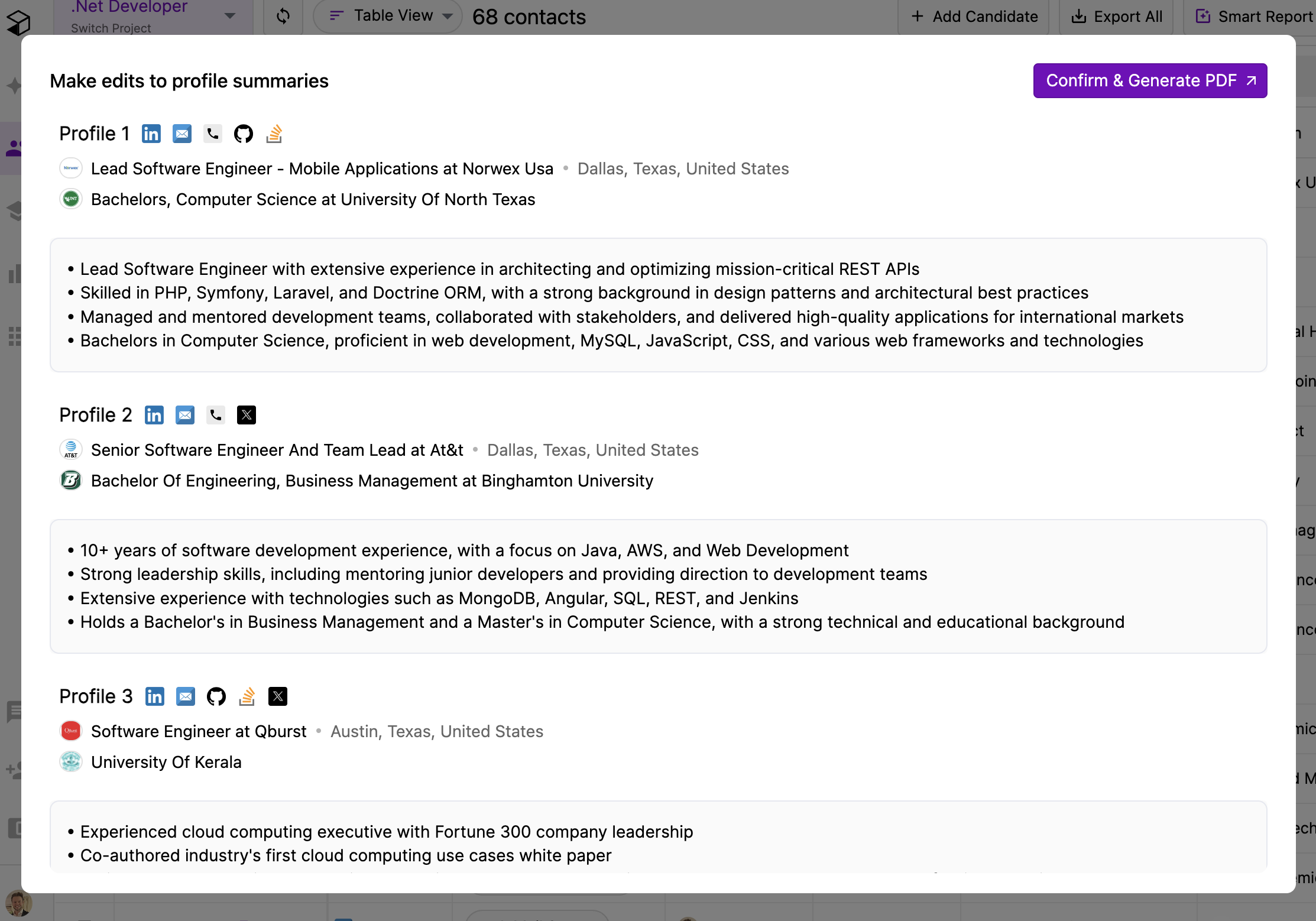
Generate your Smart Report
Select “Confirm & Generate” to view the final version of your smart report. You can download it as a PDF, or share it via your preferred channels.