

How to share
To share your search, please navigate to the Share button in the top-right corner of your search results.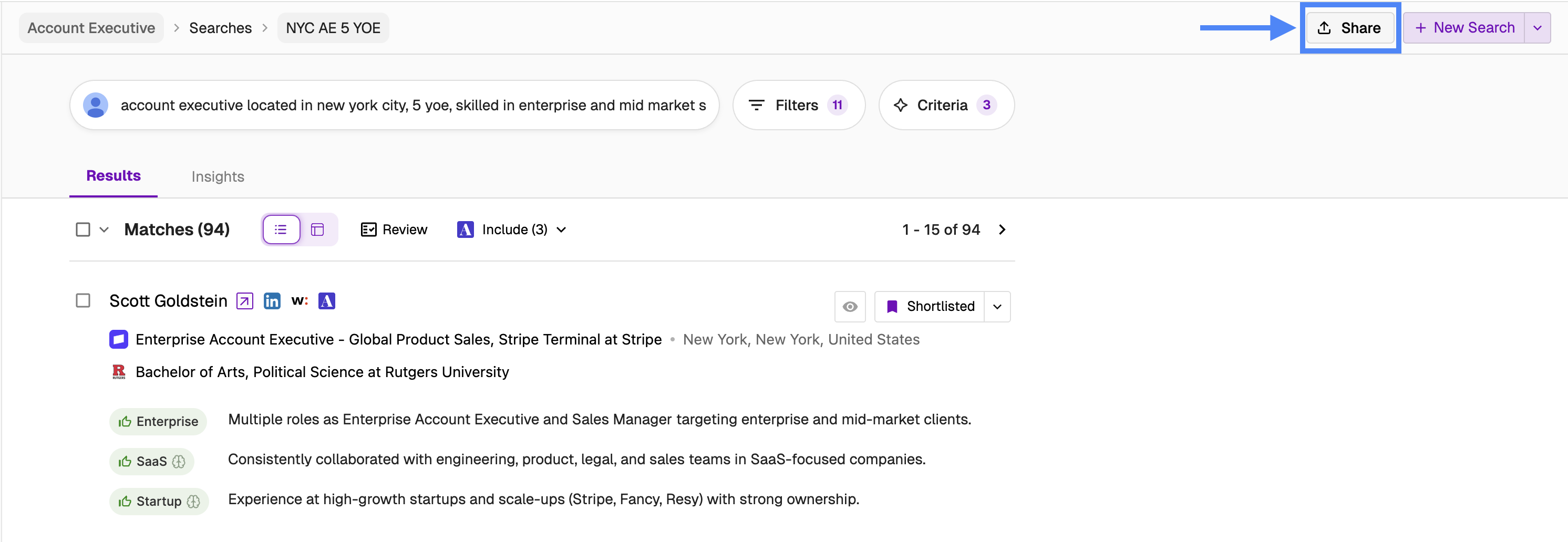 This will open up a pop-up window with a unique link, which you can now open yourself or share with others, irrespective of if they have a Juicebox account or not.
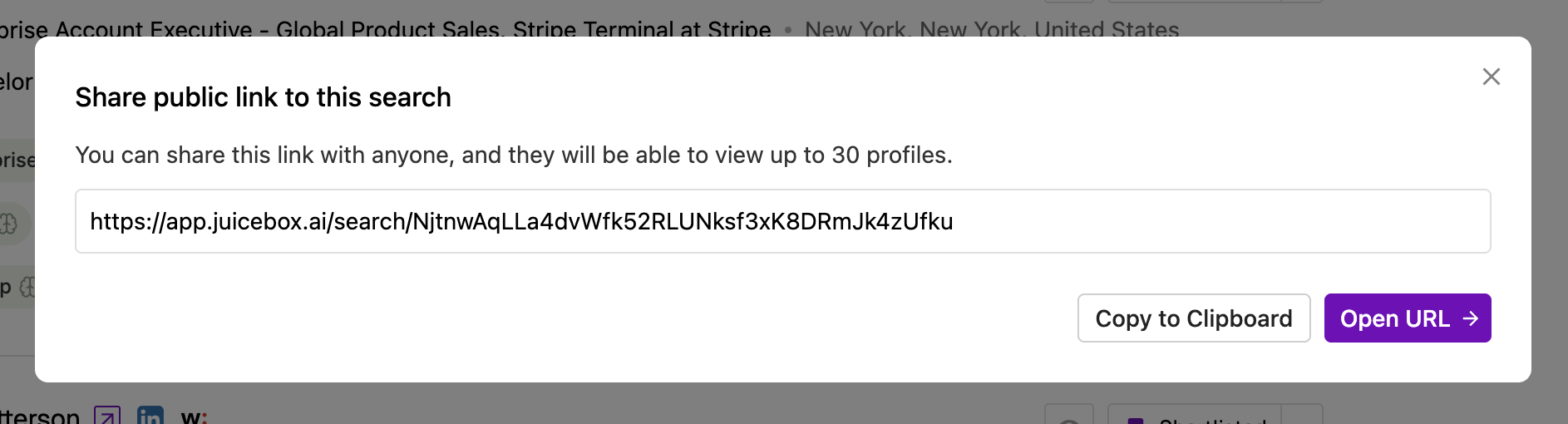
What is shared
Recipients of the shared link will see a public version of Juicebox, where they can view your search prompt and the first 30 results. By selecting Edit Search, users with a Juicebox account can duplicate and modify the search without impacting the original search.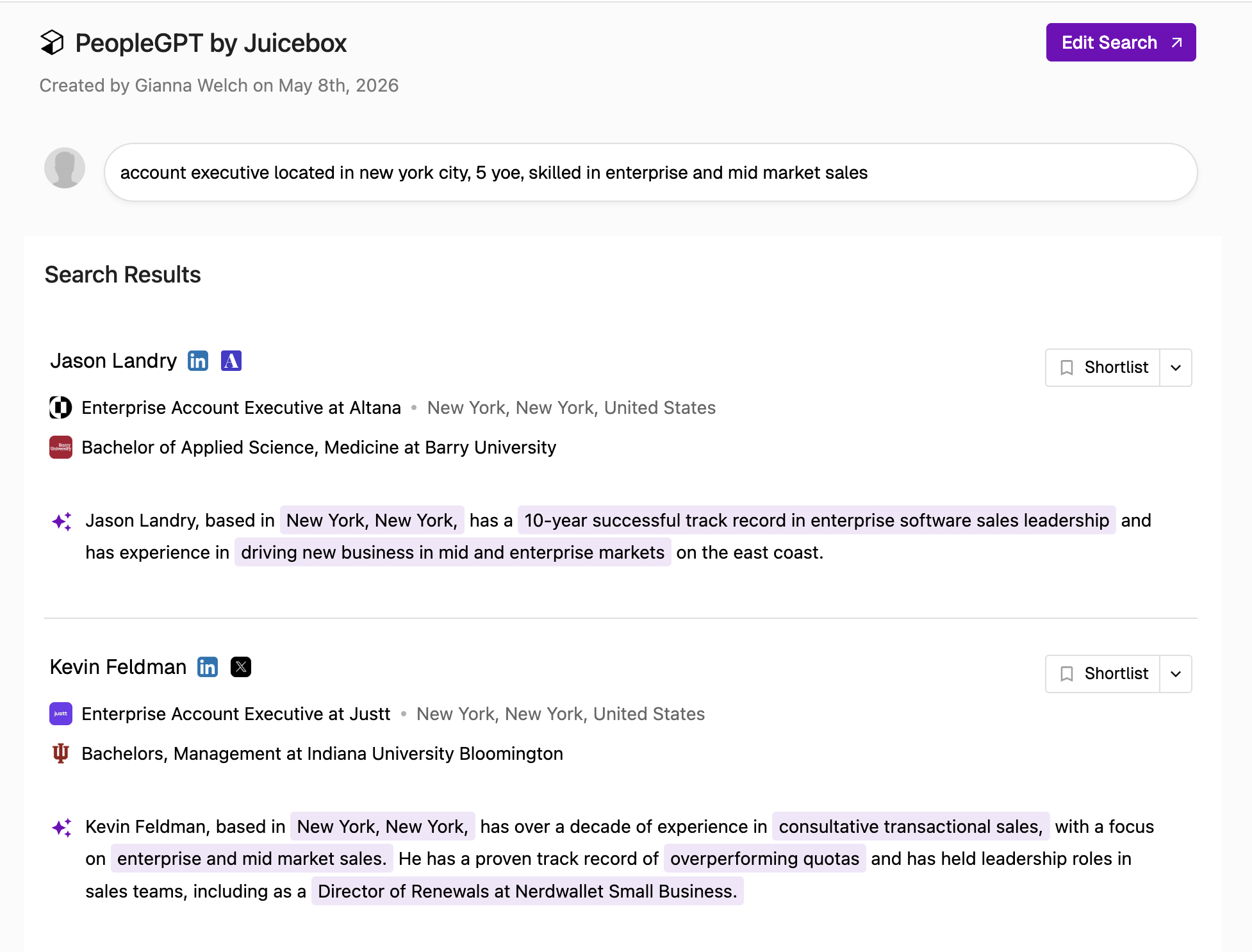 Please note, in order to have full functionality, such as running the search, contacting candidates, or adjusting filters, users will need to sign up or log in to their Juicebox account.