

Too few profiles.
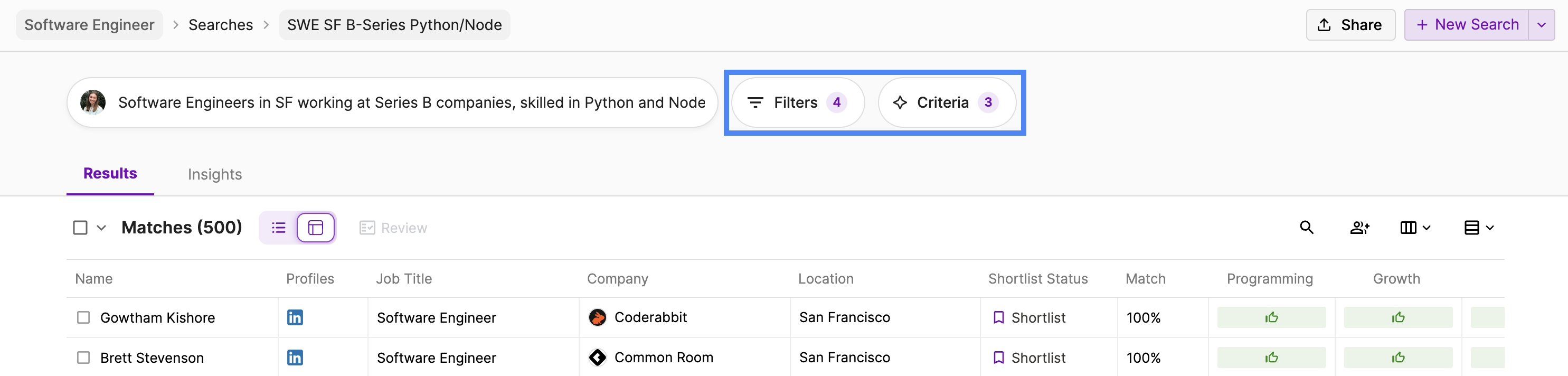
If your search has too few results, you should first review how many filters you have applied. Keep in mind that adding filters from different sections creates “AND” fields in your search. Some filters may significantly restrict your search. Your goal should be to have the minimum total number of filters needed for your search. Trouble shooting guide to expand your search pool:Too many profiles.
In most cases, too many results is a good thing, because you’ll be able to use the Autopilot to refine your search further! Generally, most effective searches use the Autopilot for the final review step, highlighting just the top profile matches. For the ranking of the results to be strong, consider adding a few skills or keywords in the “Skills / Keywords” field. This will have a major impact on search ranking, surfacing top matches more easily. The Autopilot can then be particularly effective, as it defaults to running on the top-ranked profiles. If your talent pool is very large — e.g. more than 5K profiles — consider the suggestions below:I’m looking for X, but I’m getting Y.
First, diagnose your search. Why is Y appearing? You may find a filter that is unintentionally pulling in those profiles, or a keyword that is surfacing them. Once you have identified the issue, decide on the method to resolve:- NOT Fields: in a variety of fields, you can explicitly exclude certain inputs. For example, you can exclude specific job titles, skills, or companies.
- Additional Filters: add more fields to constraint your search. For example, job title levels can be an effective way to avoid any profiles who are at the wrong level of seniority.