

You can only change your password if you signed up with the “sign up with email” option. If you signed up using Google, you’ll need to change your password through Google.
-
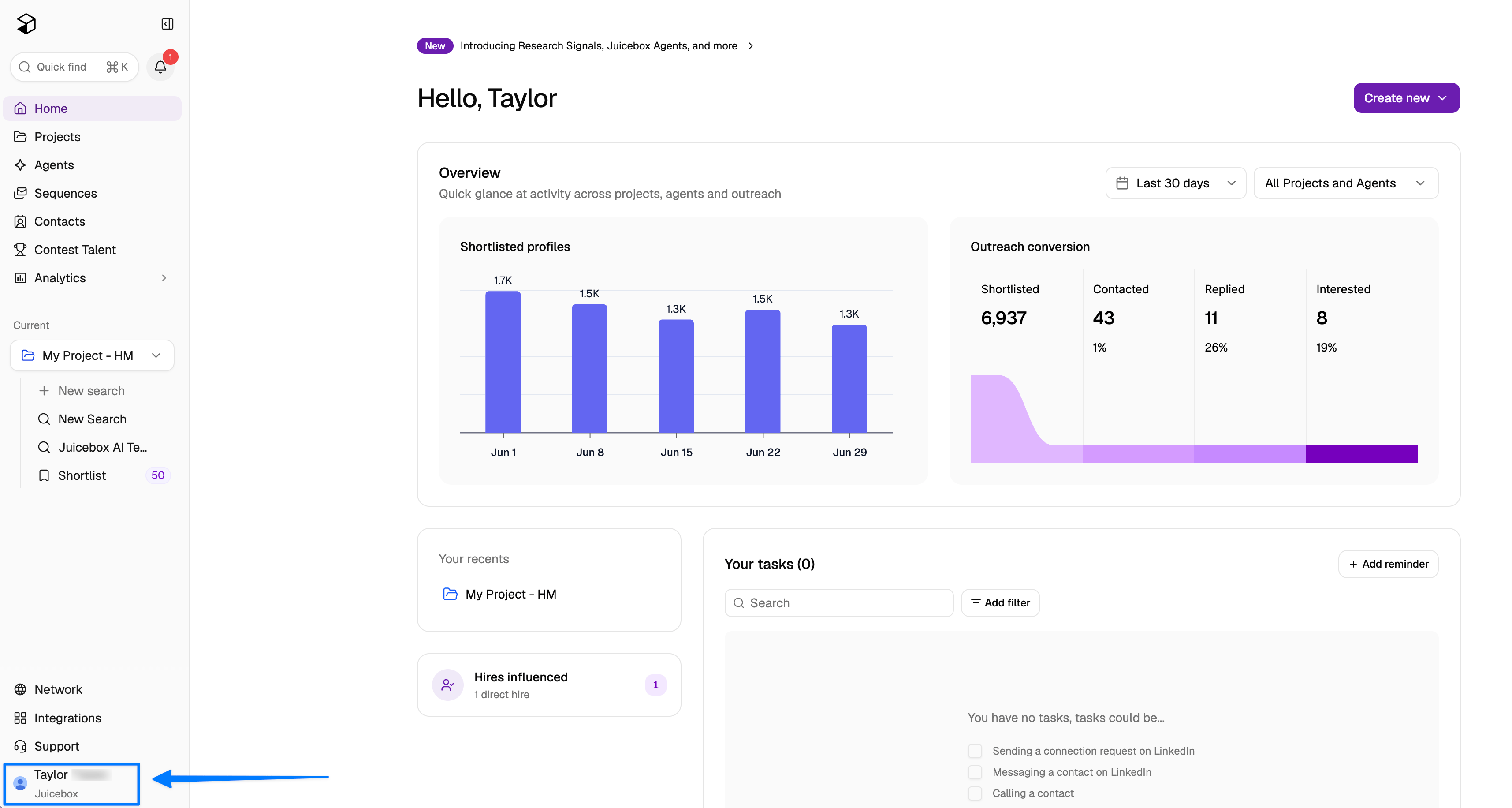
Select your profile in the bottom left of the screen.
-
Select Account Settings > Account > Password > Reset Password.
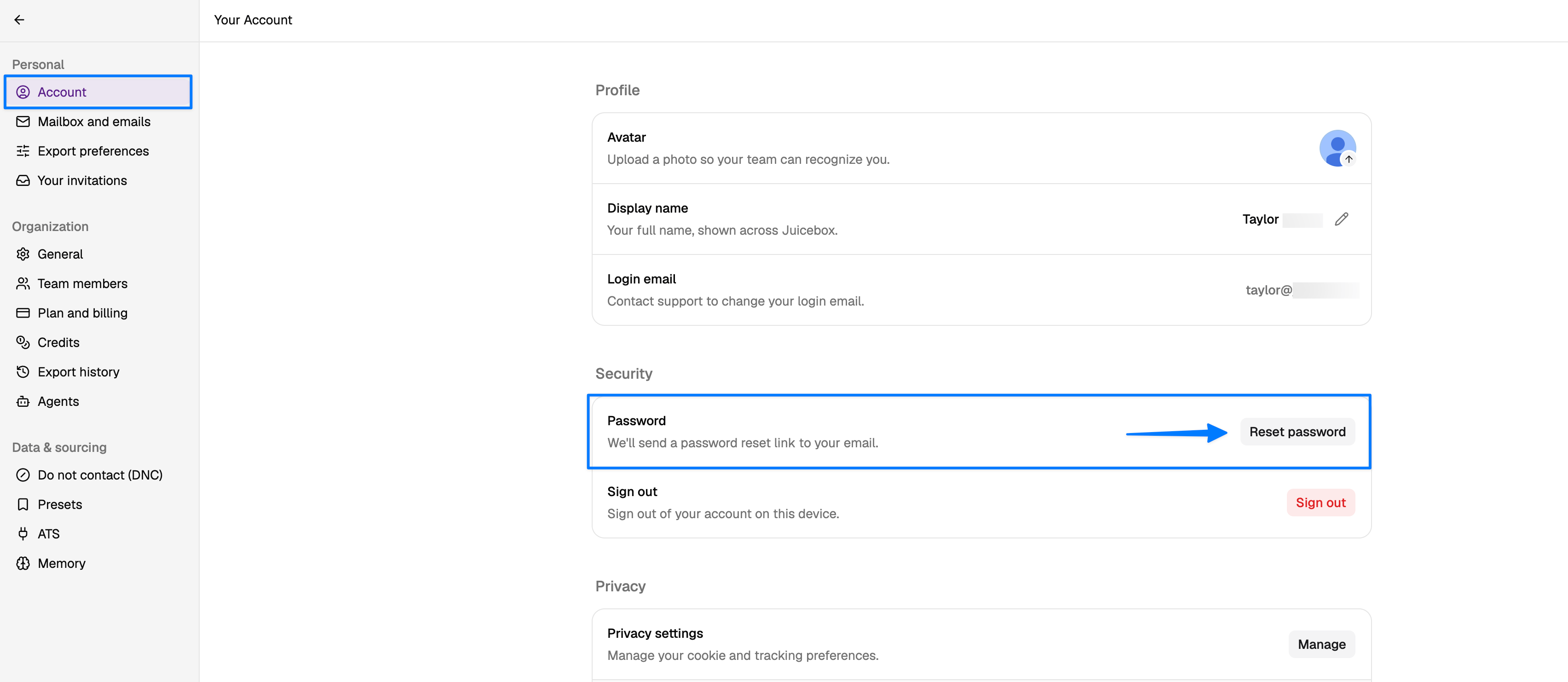
- Check your inbox — a reset link is sent to your login email address.