

Selecting billing frequency when signing up
On the pricing page, use the billing toggle at the top to switch between monthly and annual billing options. Monthly plans have higher prices than annual plans, as annual plans include a discount. If you accidentally select annual billing instead of monthly, the full annual charge will be processed rather than a single monthly payment.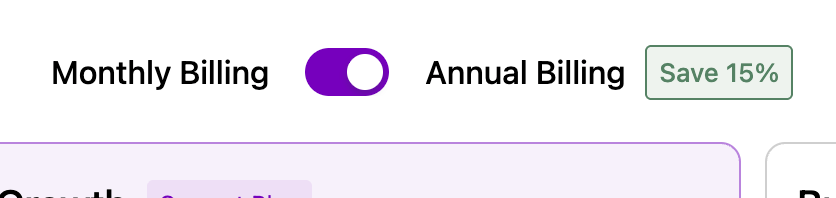
Switching from monthly to annual
You can check your current billing frequency in your subscription settings. To switch to annual:- Select your profile icon on the bottom left corner of the screen.
- Go to Account Settings > Plan and Billing and select Modify Plan.
- Confirm by selecting the respective button, such as Switch to Annual.
- If you want to upgrade your plan immediately, choose the annual billing option, which will charge you a prorated amount based on your current billing cycle and create a new billing anniversary on the upgrade date.
- Scheduled billing frequency changes other than monthly-to-annual switches will take effect at the start of your next billing cycle.
Refunds for billing frequency changes can take 5–10 business days to process.
Switching from annual to monthly mid-cycle
- Click your name in the bottom-left corner of the screen.
- Go to Account Settings > Plan & Billing.
- Select Manage Billing and update the card on file.
- Contact our support team to complete the billing change.