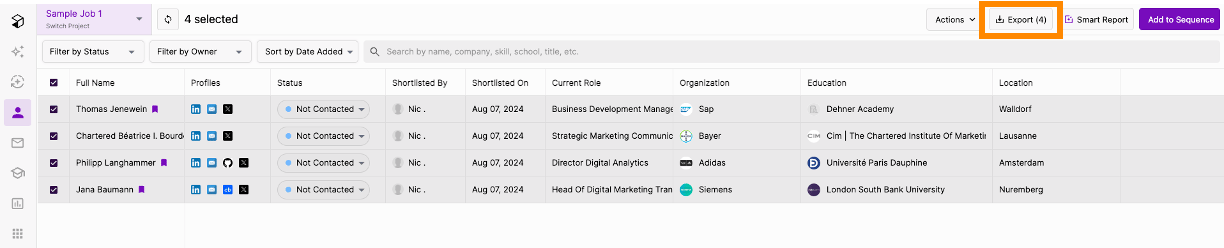
- Export Profiles to Greenhouse: Save profiles directly into Greenhouse, including contact details, current company and job, profile URLs, source, and more.
- [Configurable] Auto-Export: Juicebox has the ability to auto-export profiles to your ATS with configurable triggers, including: After Shortlist, After Outreach [default], After Interested Response
- Rediscover Talent: Filter for and view profiles already in Greenhouse within Juicebox, including filtering by tags, jobs, and stage. Learn more about Talent Rediscovery.
- Link Greenhouse Jobs to Juicebox
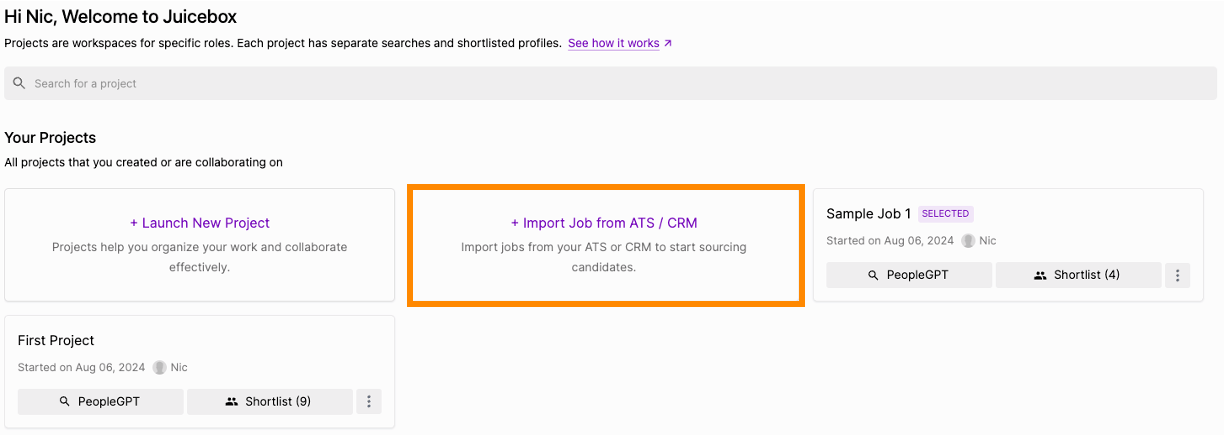
- Import Job Descriptions: Import a job description from Greenhouse into Juicebox to automatically kick off a search using the job description.
- Simplify Exports: When exporting a profile from Juicebox to the ATS, it will automatically be connected to the correct job in the ATS. More details here.
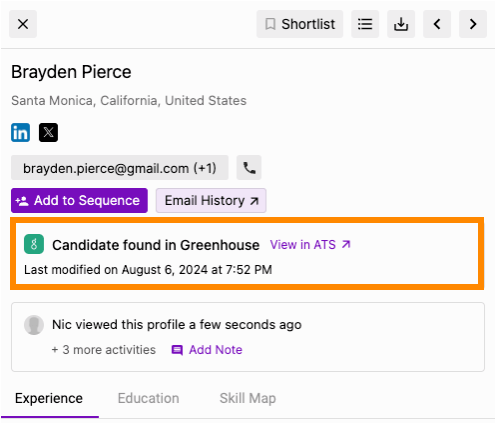
- View Profile in Greenhouse: View profiles already in Greenhouse within Juicebox. Avoid reaching out to the same profile twice, and instantly view your relationship history.
Setting up the integration on Greenhouse
To configure the Juicebox integration, you’ll need to create a Harvest API key. Follow the steps in Greenhouse’s article to create the key, and verify that the permissions below are selected when configuring the Juicebox integration.Credentials
In the Create New Credential box, make the following selections:- API Type: Harvest
- Partner: Juicebox or Custom
- Description: Juicebox Harvest API Key
Permissions
Juicebox uses the Greenhouse Harvest v3 API. Verify that the following permissions are selected for the Juicebox integration: Applications- View applications (
harvest:applications:list) - Create applications (
harvest:applications:create) - Move applications between stages (
harvest:applications:move) - Reject applications (
harvest:applications:reject) - Mark applications as hired (
harvest:applications:hire)
- View candidates (
harvest:candidates:list) - Create candidates (
harvest:candidates:create) - Upload candidate attachments (
harvest:attachments:create) - View candidate attachments (
harvest:attachments:list) - Create candidate notes (
harvest:notes:create) - View candidate notes (
harvest:notes:list)
- View candidate tags (
harvest:candidate_tags:list) - Create candidate tags (
harvest:candidate_tags:create) - Assign tags to candidates (
harvest:applied_candidate_tags:create) - Remove tags from candidates (
harvest:applied_candidate_tags:destroy) - View candidate tag assignments (
harvest:applied_candidate_tags:list)
- View jobs (
harvest:jobs:list) - View job posts (
harvest:job_posts:list) - View job hiring managers (
harvest:job_hiring_managers:list) - View job owners (
harvest:job_owners:list) - View job candidate attributes (
harvest:job_candidate_attributes:list) - View job interview stages (
harvest:job_interview_stages:list) - View job interviews (
harvest:job_interviews:list)
- View interviews (
harvest:interviews:list) - View interviewers (
harvest:interviewers:list) - View scorecards (
harvest:scorecards:list) - View scorecard candidate attributes (
harvest:scorecard_candidate_attributes:list) - View scorecard questions (
harvest:scorecard_questions:list) - View scorecard question options (
harvest:scorecard_question_options:list) - View scorecard answer options (
harvest:scorecard_question_answer_options:list) - View scorecard answers (
harvest:scorecard_question_answers:list)
- View offers (
harvest:offers:list)
- View users (
harvest:users:list) - View user roles (
harvest:user_roles:list) - View user job permissions (
harvest:user_job_permissions:list) - View departments (
harvest:departments:list) - View offices (
harvest:offices:list)
- View application stages (
harvest:application_stages:list) - View rejection reasons (
harvest:rejection_reasons:list) - View rejection details (
harvest:rejection_details:list) - View candidate attribute types (
harvest:candidate_attribute_types:list) - View focus candidate attributes (
harvest:focus_candidate_attributes:list) - View sources (
harvest:sources:list) - View pay input ranges (
harvest:pay_input_ranges:list)
Setting up the integration on Juicebox
Once you have completed the previous steps and received your Harvest API key, head to the Juicebox platform.-
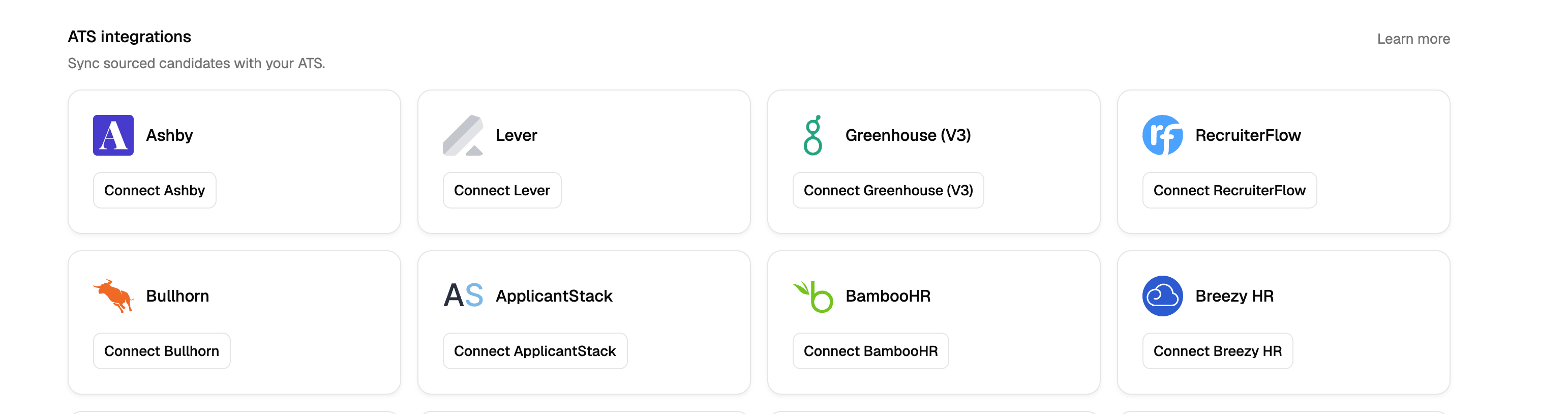
On the left-hand sidebar, navigate to the Integrations tab and click Connect Greenhouse (V3).
-
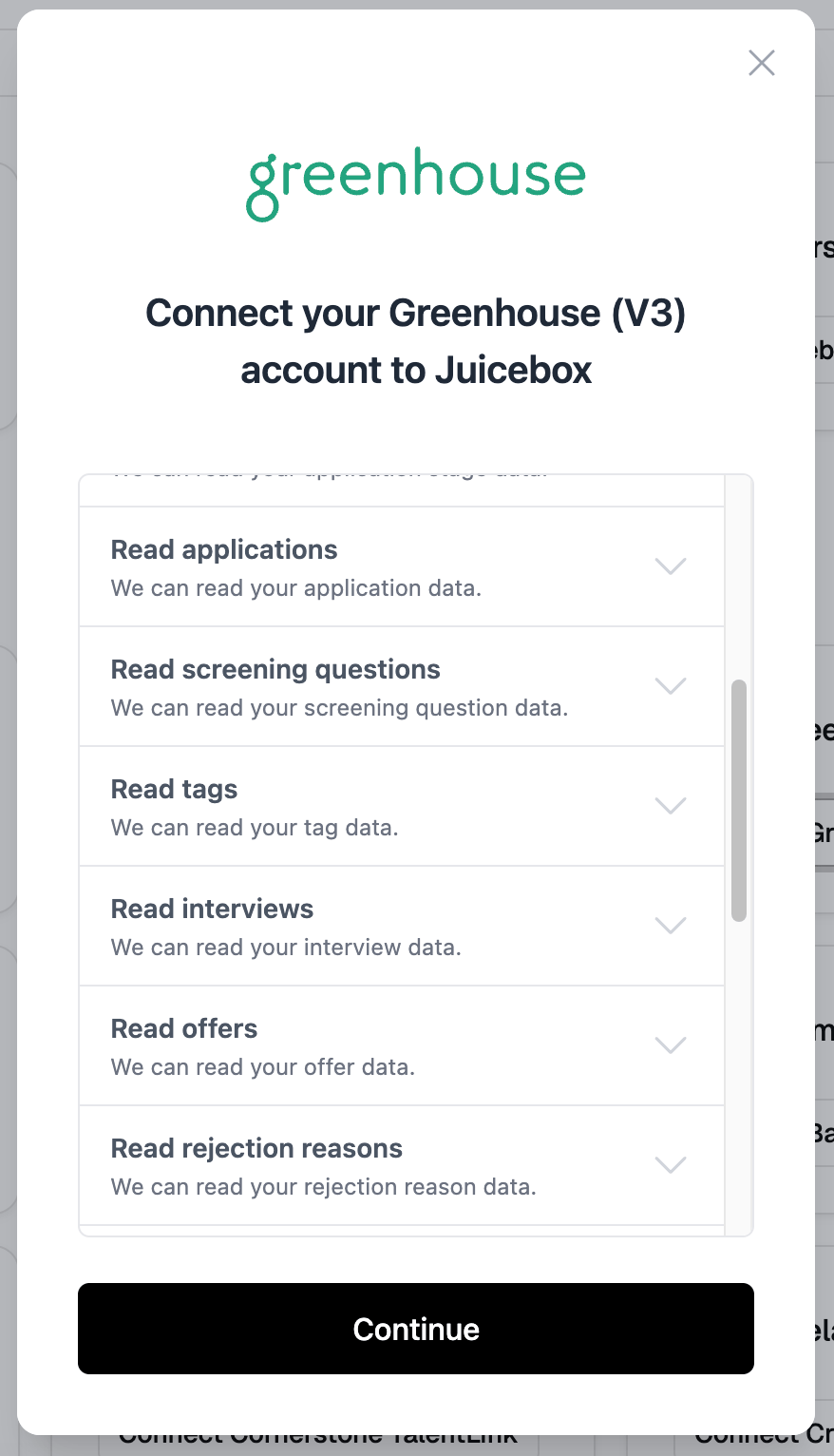
A pop-up window appears and guides you through the integration steps. Review the data permissions, then click Continue.
-
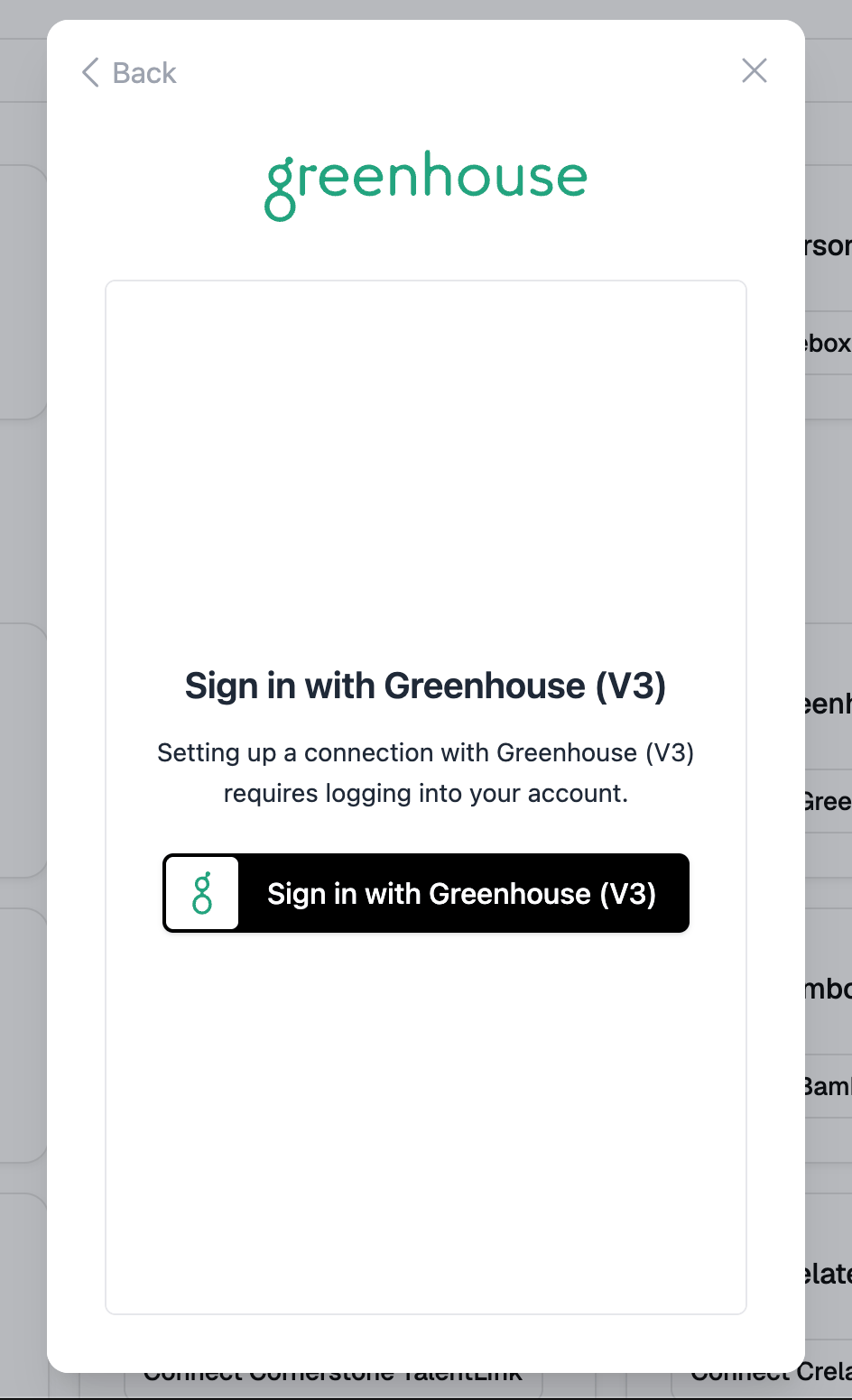
Click Sign in with Greenhouse (V3). An authorization window opens.
-
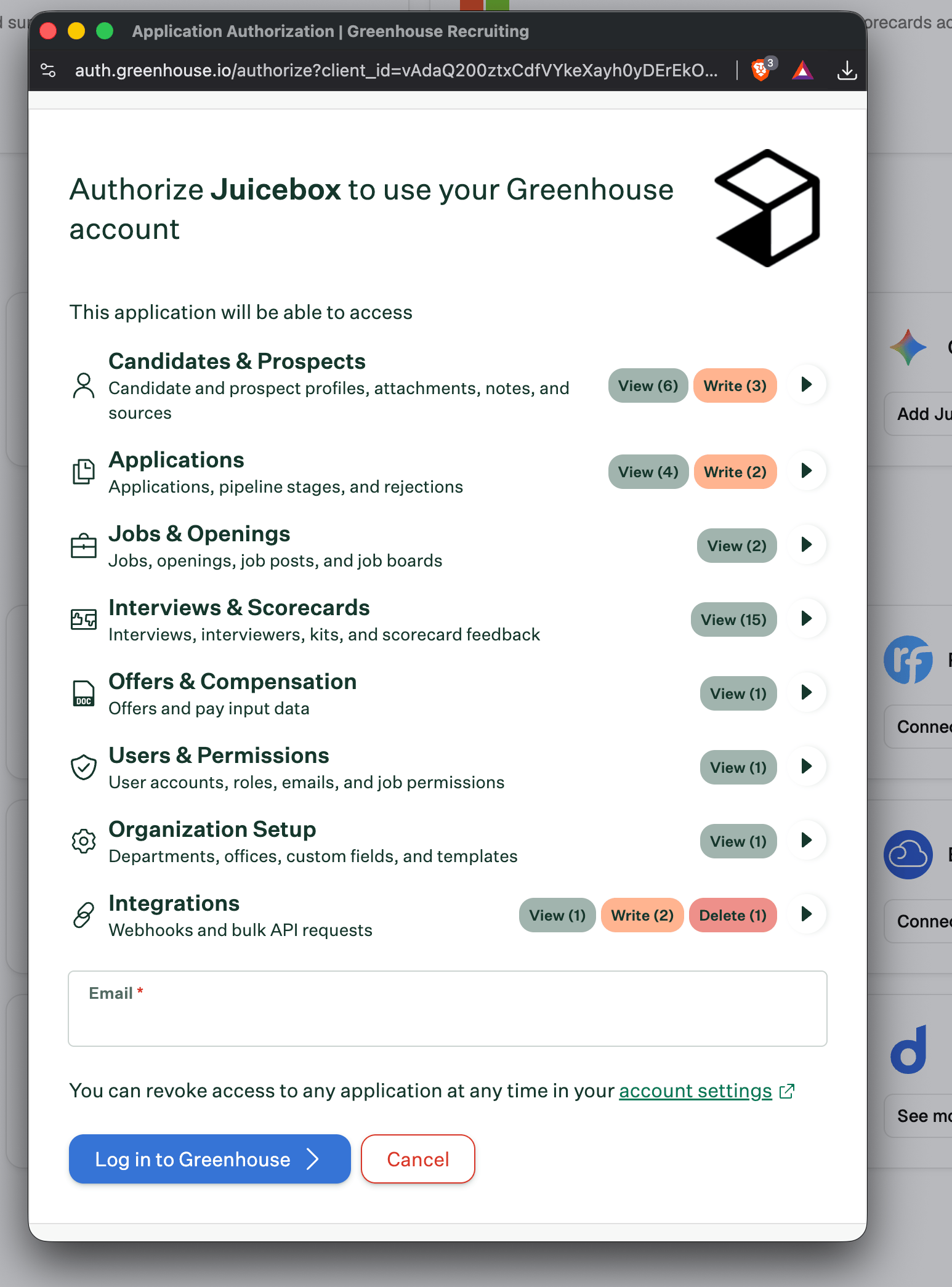
Enter the email address connected to your Greenhouse account and click Log in to Greenhouse.
-
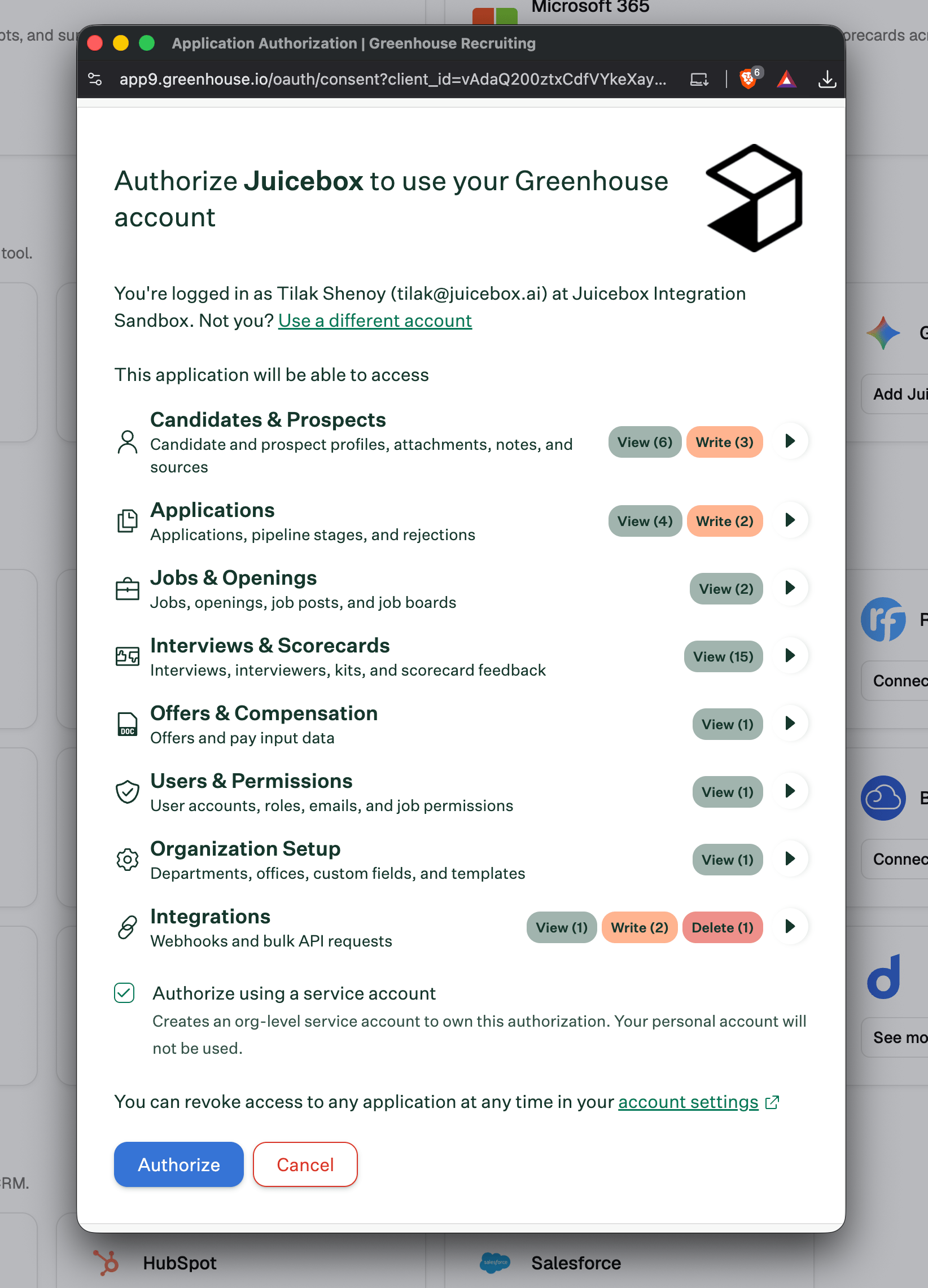
Check the Authorize using a service account box and click Authorize.
-
Juicebox then asks you to set up a source. In your Greenhouse dashboard, go to Settings > Custom Options > Sources, click Create New Source, select Other for the Sourcing Strategy, and name the source Juicebox. This step is important: it makes every candidate exported from Juicebox show up in Greenhouse with the right source.
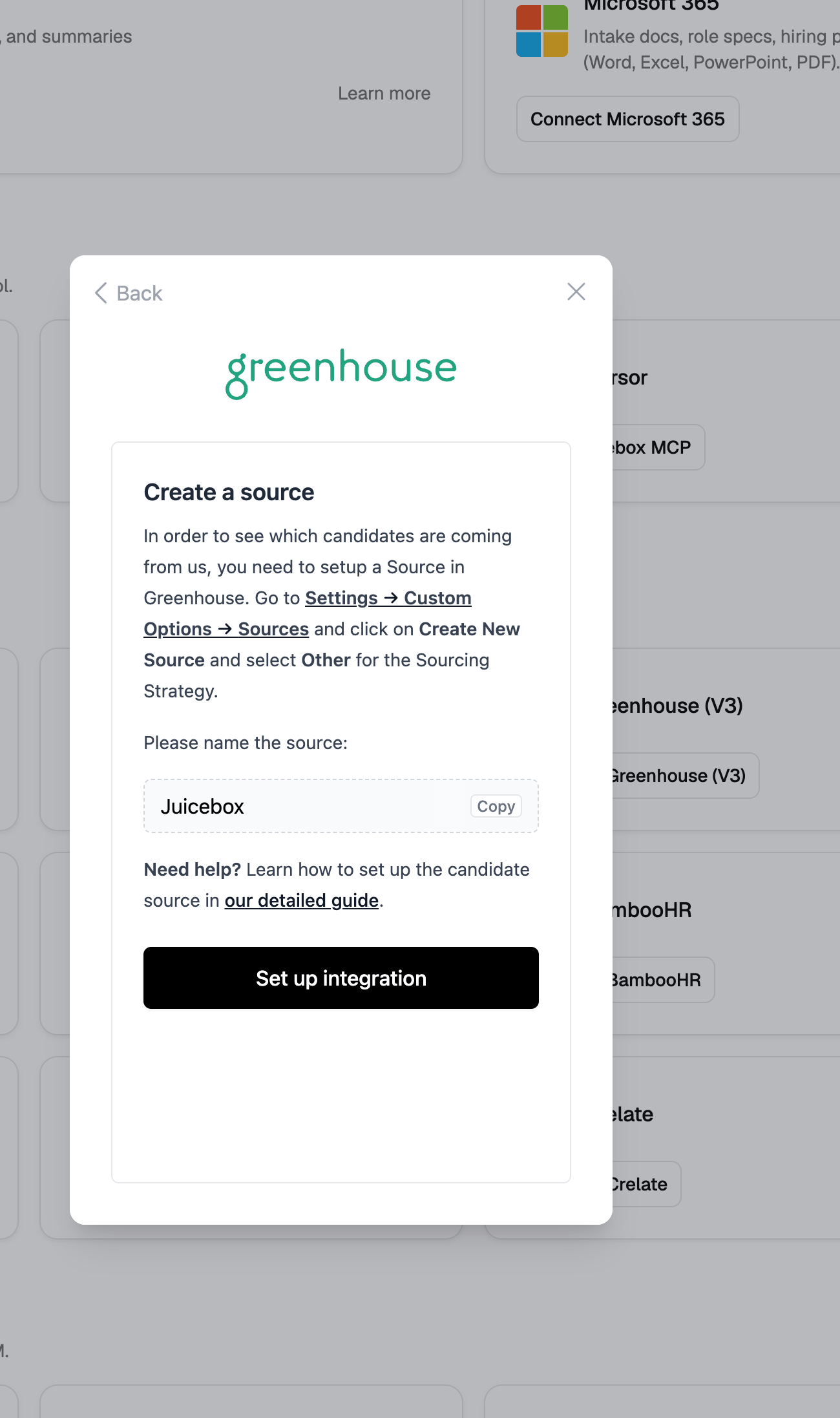
- Click Set up integration and you’re all set.
Using the Juicebox integration with Greenhouse Recruiting
There are three main functionalities for the Juicebox integration with Greenhouse. First, you can export comprehensive candidate profiles, including contact information and work and educational experience, from Juicebox to Greenhouse. To do this, simply select one or more profiles and click the export icon. A pop-up window will appear, allowing you to choose the specific job in Greenhouse to which you want to add the candidates.