


About the integration
Connect Laura to Juicebox to import jobs and start searches from their job descriptions. You can also export profiles to a selected job. Existing candidates can be identified in Juicebox and used for rediscovery, subject to the access granted to the connection.Before you start
Ask your Laura account manager to enable API access through Kombo and issue a separate integration account with the necessary permissions. Open Integrations in Juicebox, select Laura, and choose Activate. Keep the connection window open while completing the steps below. If the integration is not visible, ask Juicebox Support to confirm access for your account.The screenshots show vendor settings or the connection window provided by Kombo. Use the credentials, source labels, permissions, and URLs from your own connection; screenshot values are examples.
Find your Laura subdomain
Copy the part of your Laura dashboard address before.rekrytointi.com. Enter it in the Juicebox connection window.
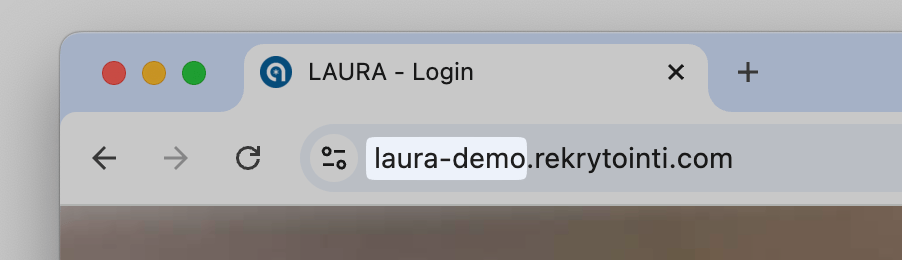
Use the subdomain from your Laura dashboard address.
Retrieve the integration API key
Sign in to Laura with the new integration account, open Personal settings, and locate the API key labeled REST API user. Paste that key into Juicebox and finish setup.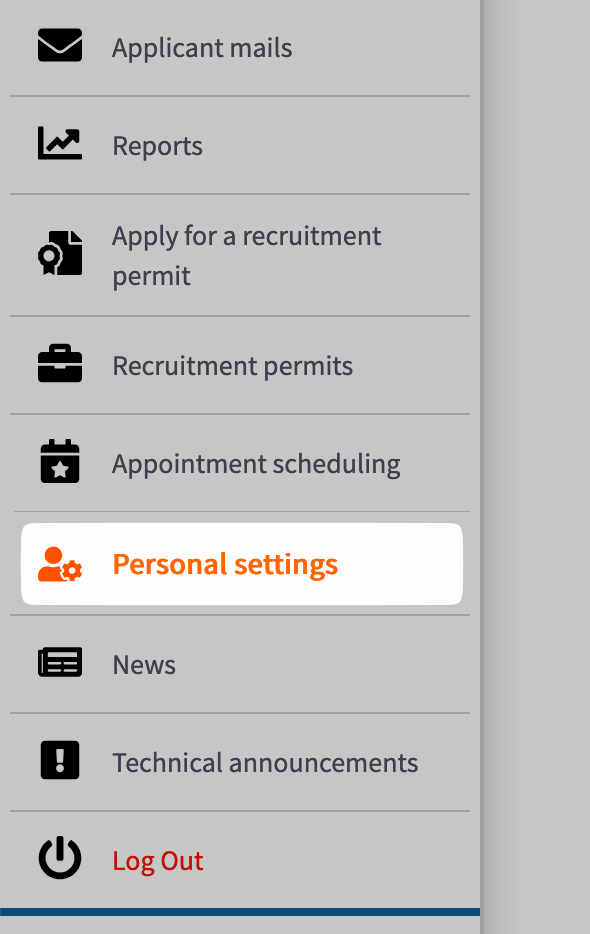
Open Personal settings using the integration account.
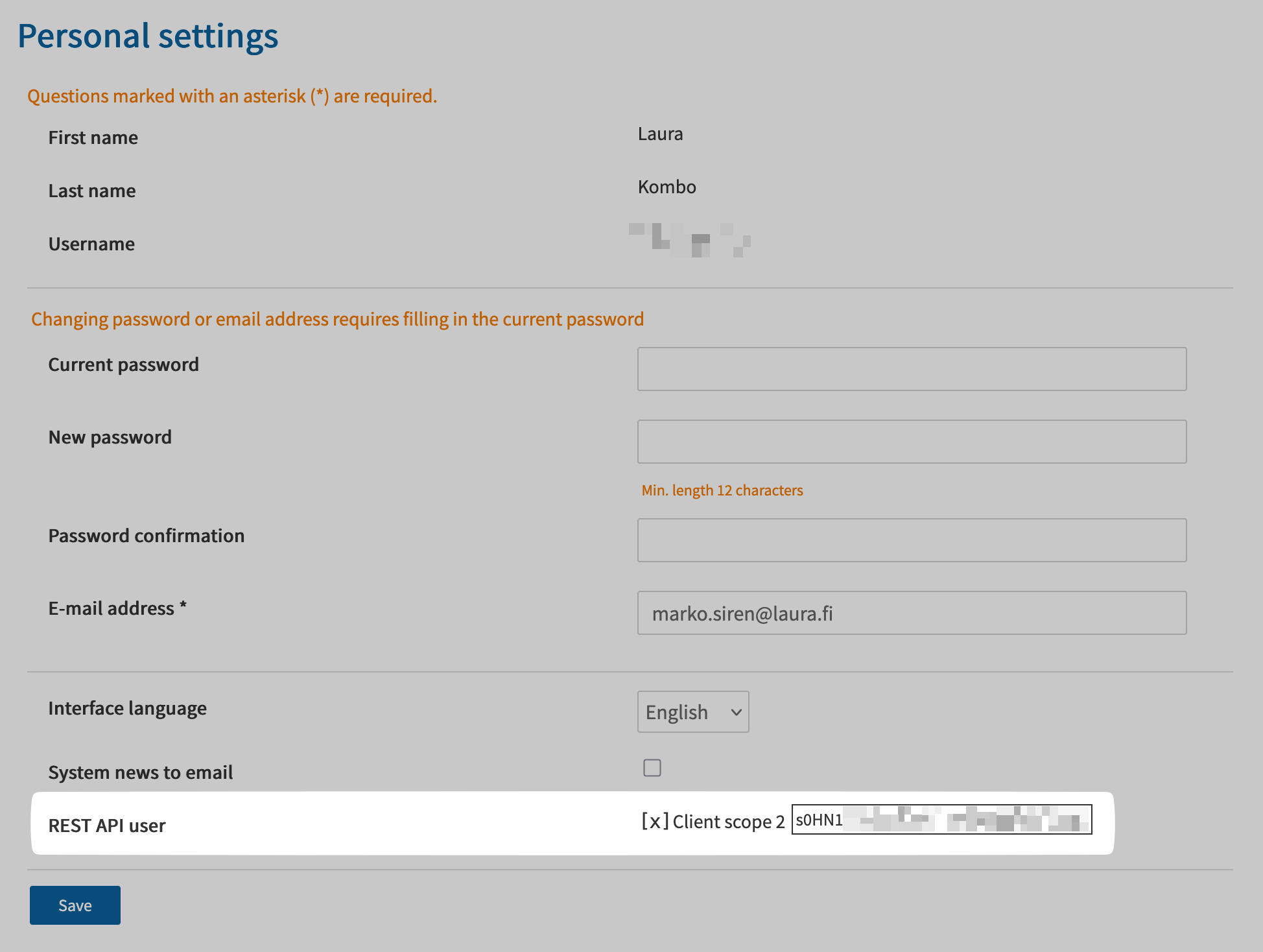
Locate the REST API user key.
Confirm the integration
Finish the connection window and return to Juicebox. Confirm that the connection has completed, then allow the initial sync to populate your data.- Check that the expected jobs appear in Juicebox.
- Find a known candidate and confirm that the information available matches your configured access.
- Export a test profile to a selected job, then verify the application in Laura.