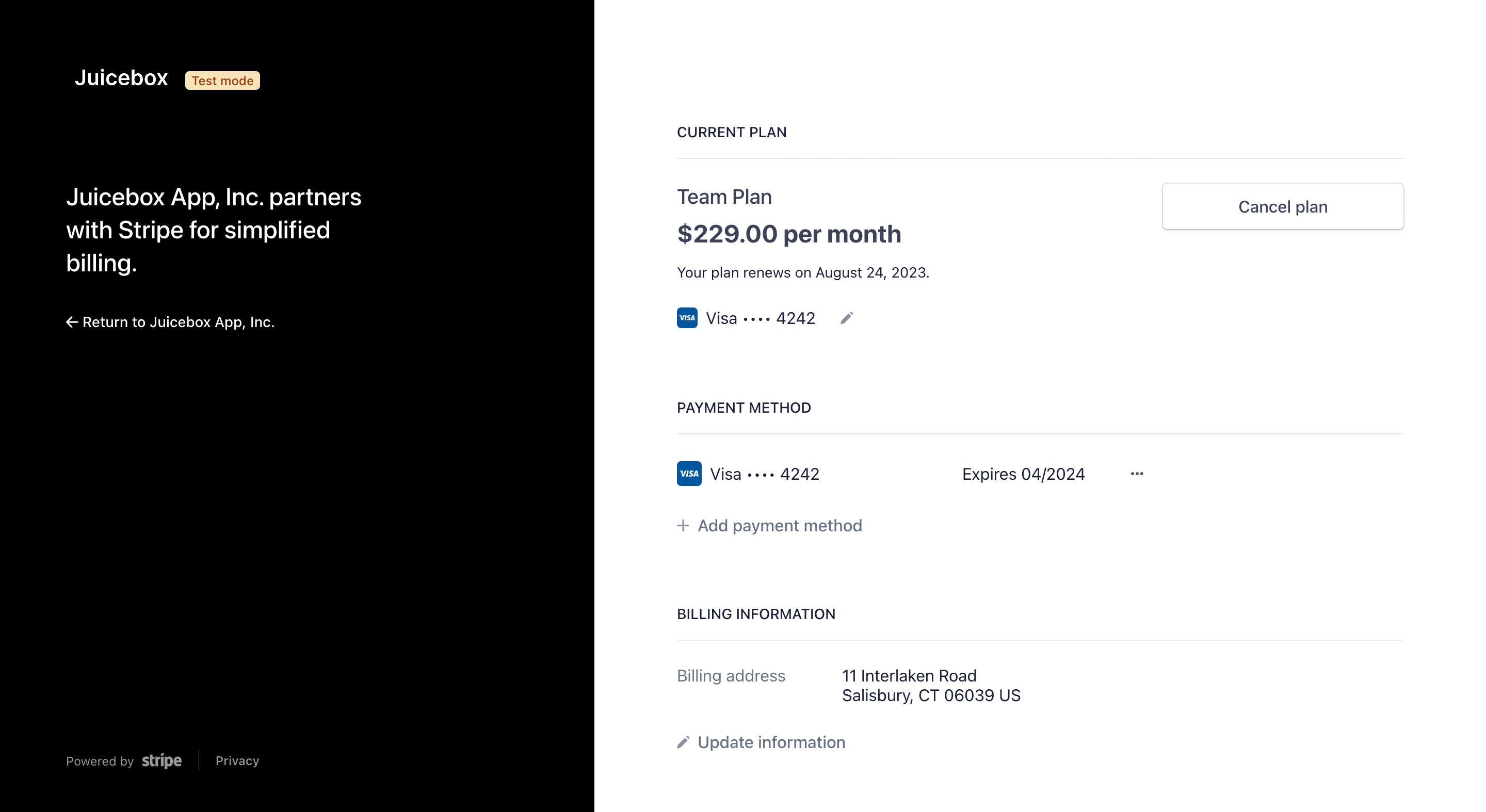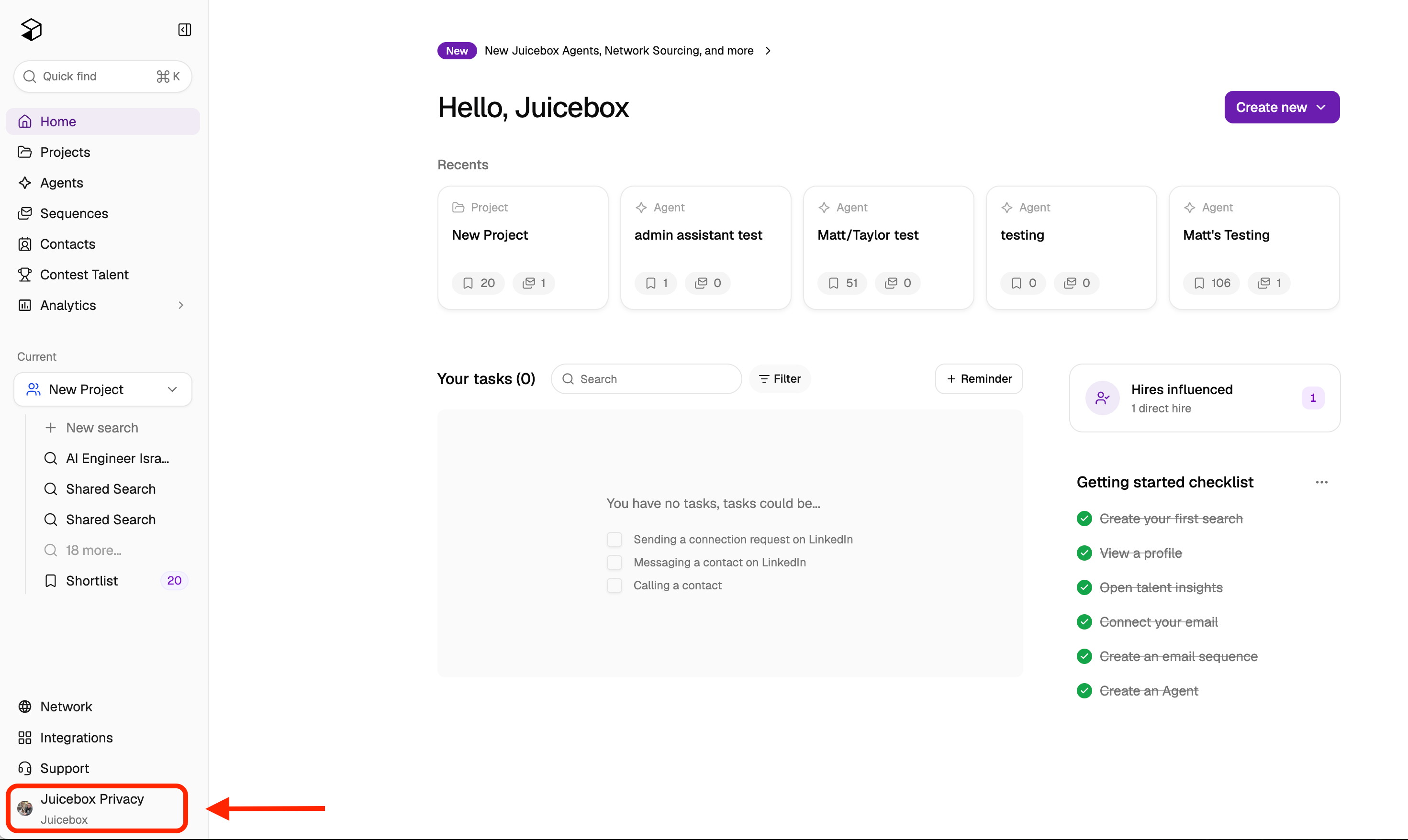
To manage your payment method, billing information, or subscription, click on your name/organization at the bottom left corner of the screen. Open the account menu Next, select Account Settings > Plan and Billing. From here, you can:
  • Manage Billing — change your billing information or payment method, or cancel your subscription.
  • Change Plan — upgrade, downgrade, or switch between monthly and annual billing.
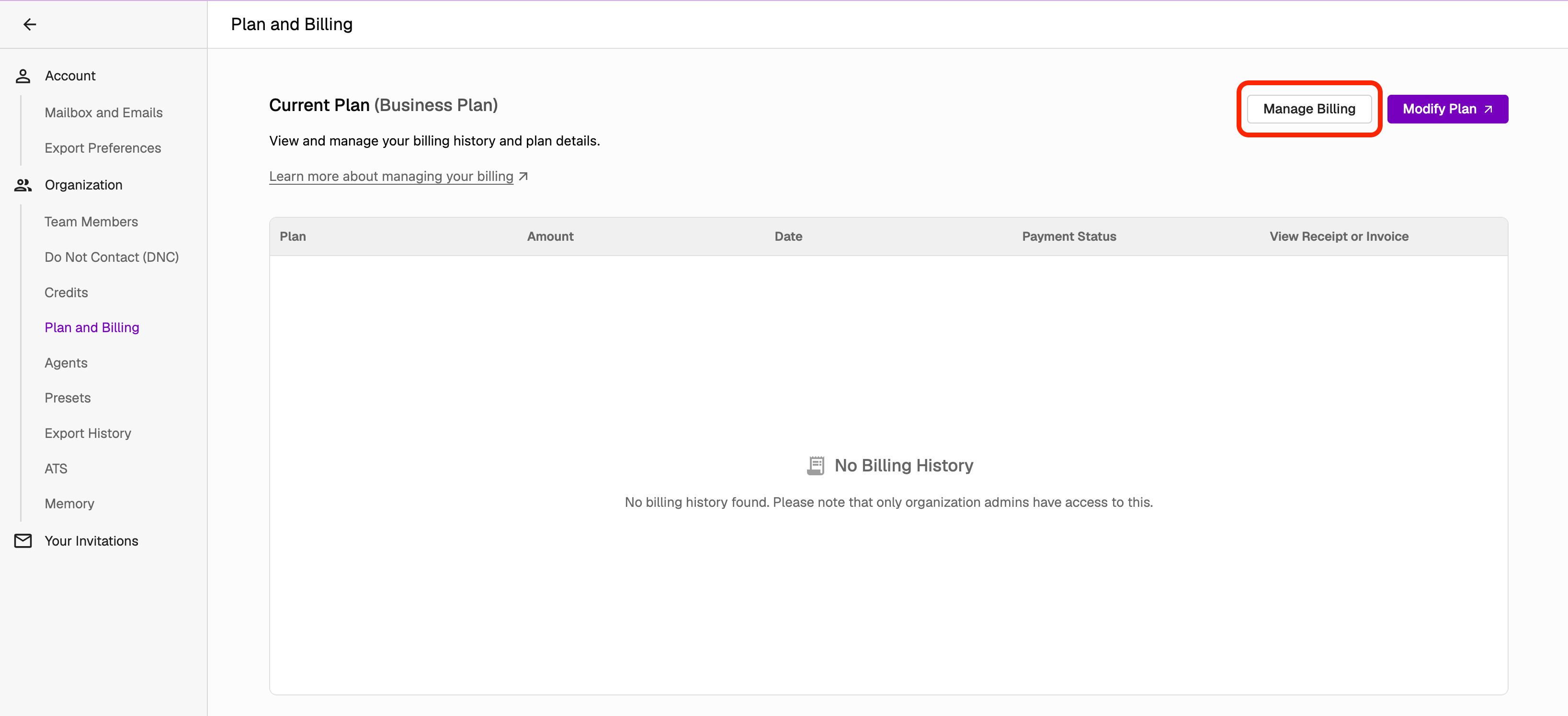
Plan and Billing settings From the Manage Billing portal, you can update your card on file and billing details. Update billing information
Cancelling your subscription from this page prevents future charges while keeping your account active until the next renewal date. See How can I cancel my subscription? for details.
If your issue is not resolved, reach out to us at support@juicebox.ai.