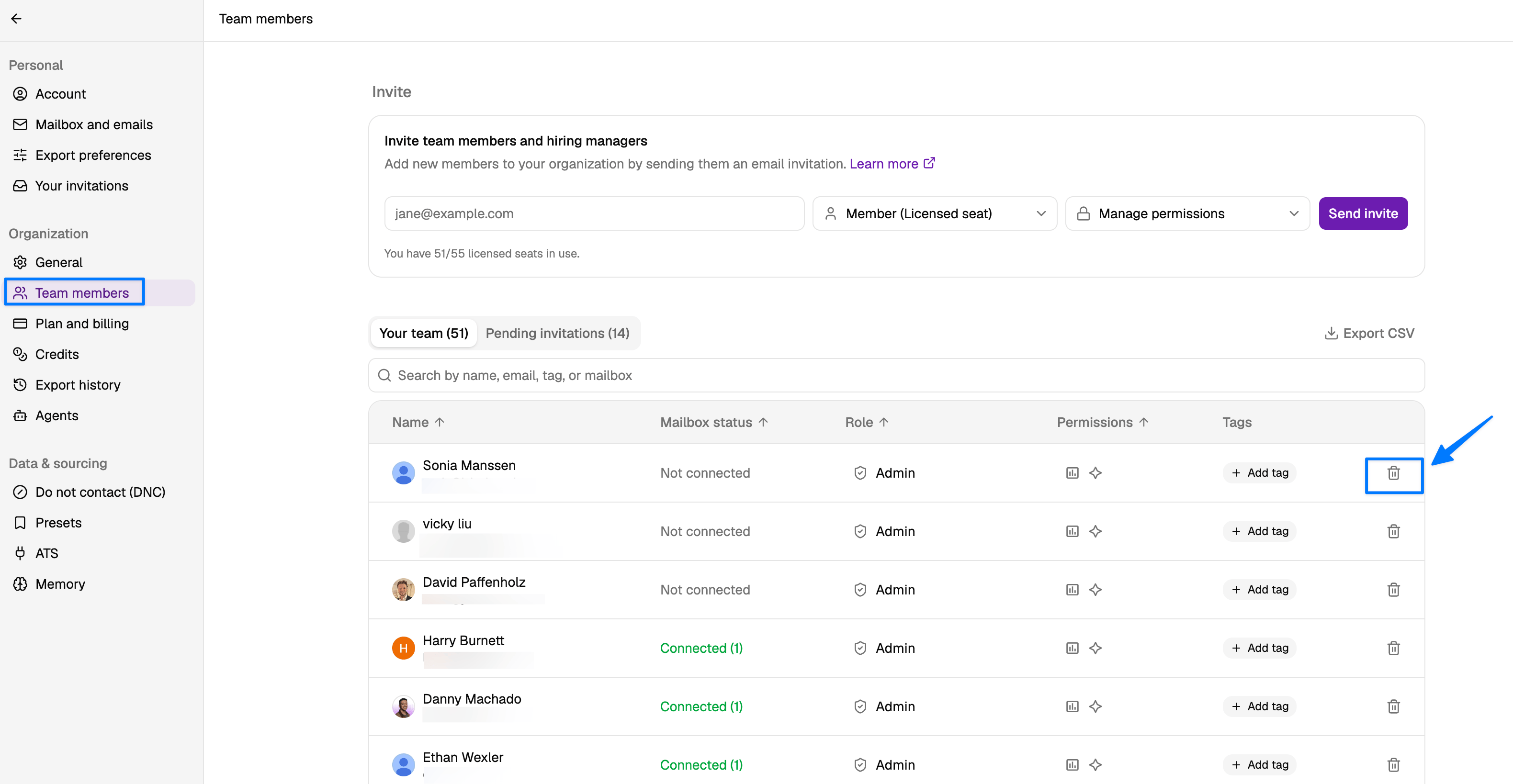
Removing a user from your workspace frees up their seat so another user can take it, but it does not reduce the total number of seats in your billing plan — you will still be charged for the same number of seats. To reduce the number of seats you’re paying for, see How can I reduce the number of seats I’m paying for?
- Click Account Settings.
- Click Team members.
- Find the user you’d like to remove from the workspace and click the trashcan icon to remove them.