About the integration
The SmartRecruiters and Juicebox integration is designed to seamlessly connect both systems in a two-way sync. You can use the integration for three use cases:- Import Project from ATS: Import a job description from SmartRecruiters into Juicebox to automatically kick off a search using the job description. This also includes linking your Juicebox project to an ATS job, which makes exporting profiles to your ATS easier. More details here.
- Export Profiles to ATS: Save profiles directly into your ATS, including contact details, current company and job, profile URLs, and more. Juicebox also has the ability to auto-export to your ATS, including exporting all shortlisted profiles or exporting only interested profiles.
- Import Candidates: View profiles already in SmartRecruiters within Juicebox. Avoid reaching out to the same profile twice, and instantly view your relationship history.
Start a project via the SmartRecruiters integration
Open the projects page and select Import Job from ATS / CRM. You will then see your SmartRecruiters jobs and can select the corresponding option.Export profiles to SmartRecruiters
Follow the regular export steps and select Export to SmartRecruiters on either an individual profile or a bulk export. After exporting, you will see the profile created in your SmartRecruiters account under Candidates.View profiles already in SmartRecruiters
Juicebox will tag profiles that already exist in SmartRecruiters. You will see the last modified date, as well as the option to view the profile directly in SmartRecruiters by clicking the View in ATS button.Before you start
You need Admin Access to your SmartRecruiters instance. If your account does not have the Admin user role, you can’t create the credentials the integration needs.-
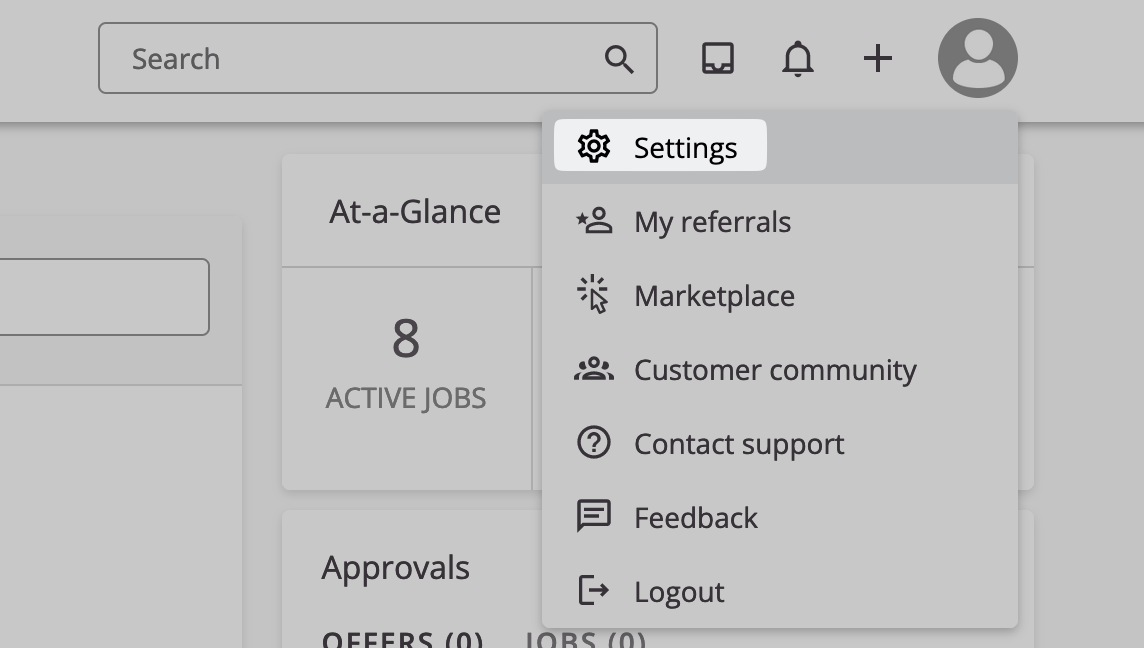
Log in to SmartRecruiters and open Settings from the account menu in the top right corner.
-
Check that your account shows Admin Access under your account name.
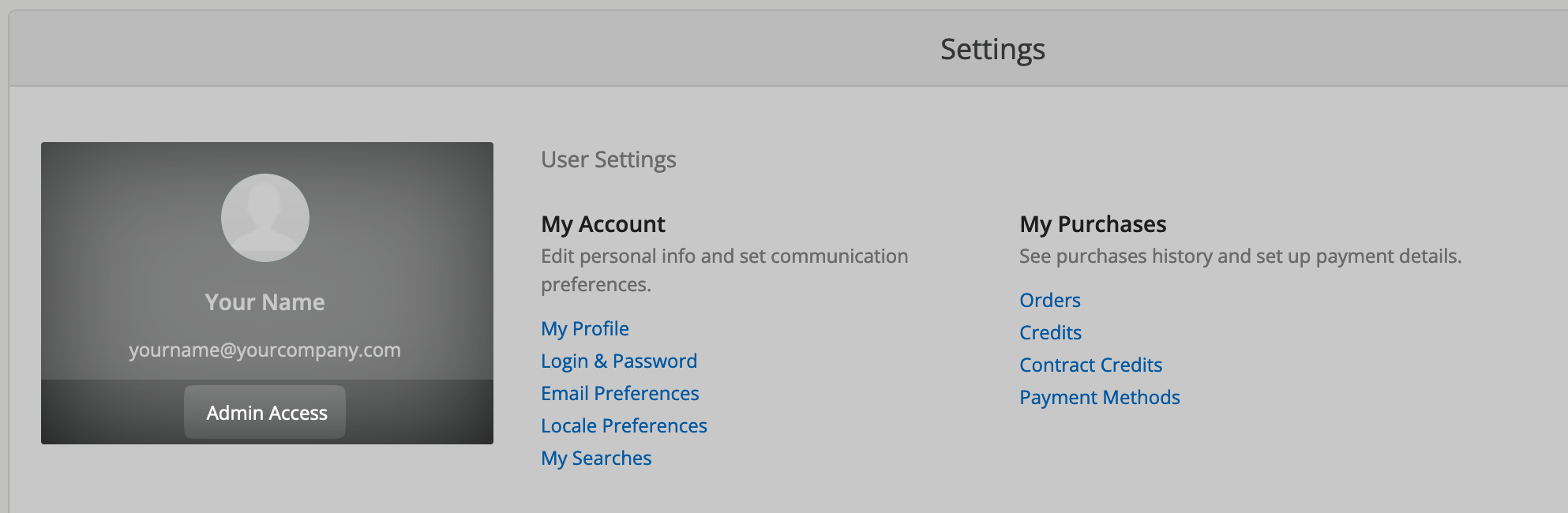
The screenshots show SmartRecruiters settings or the connection window provided by Kombo. Use the permissions and source name shown in your own connection; screenshot values are examples.
Connect SmartRecruiters to Juicebox
The person who connects the integration is shown in SmartRecruiters as the author of some actions the integration performs. To make automated actions easier to identify, you can connect with a separate SmartRecruiters user created for the integration. See Kombo’s guide to creating an integration user.
- Navigate to the Integrations tab on the Juicebox platform.
- Select SmartRecruiters and click Activate. You can also use the search bar at the top.
-
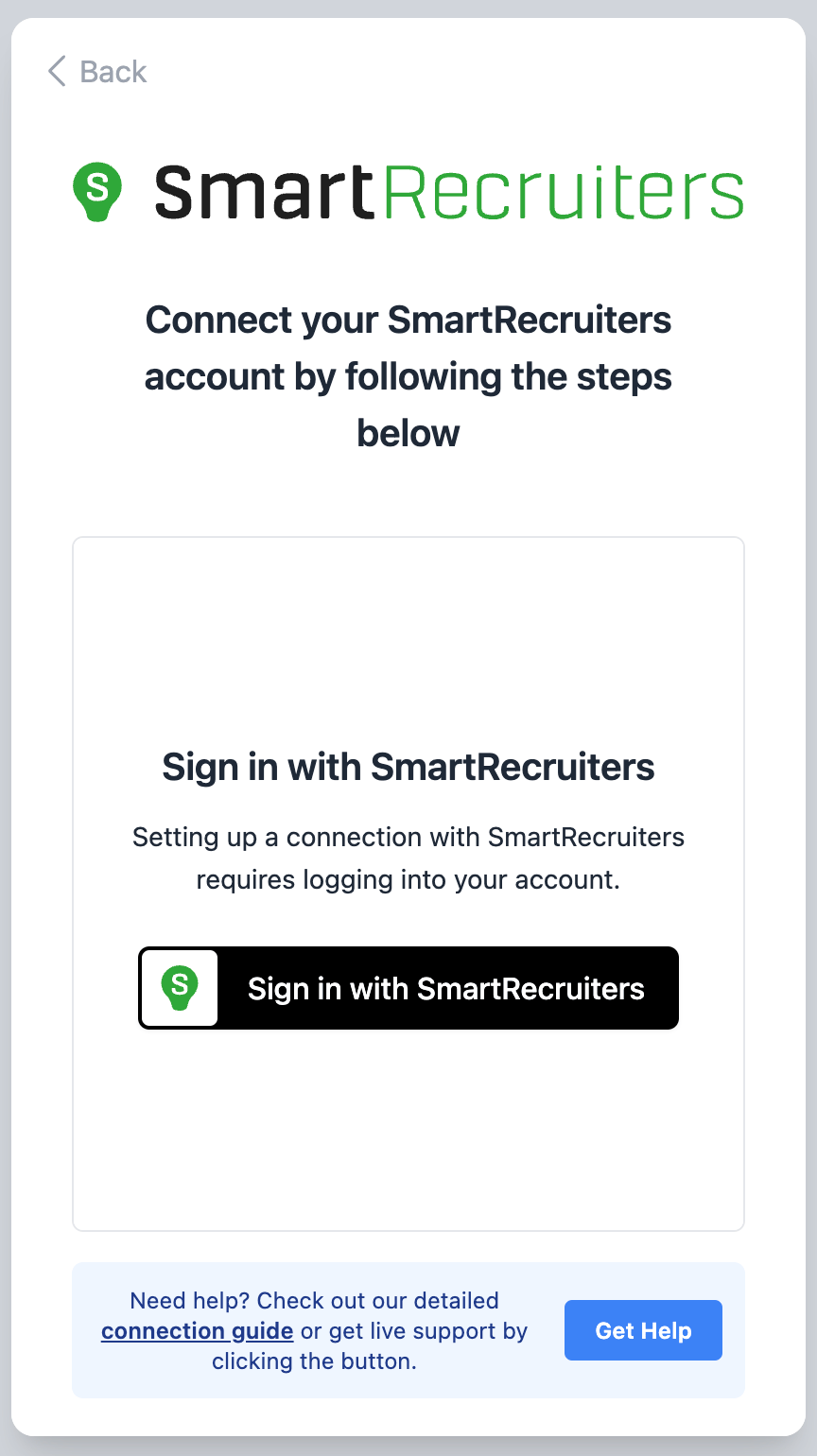
In the connection pop-up, click Sign in with SmartRecruiters.
-
Log in to SmartRecruiters. On the next screen, click ALLOW ACCESS.
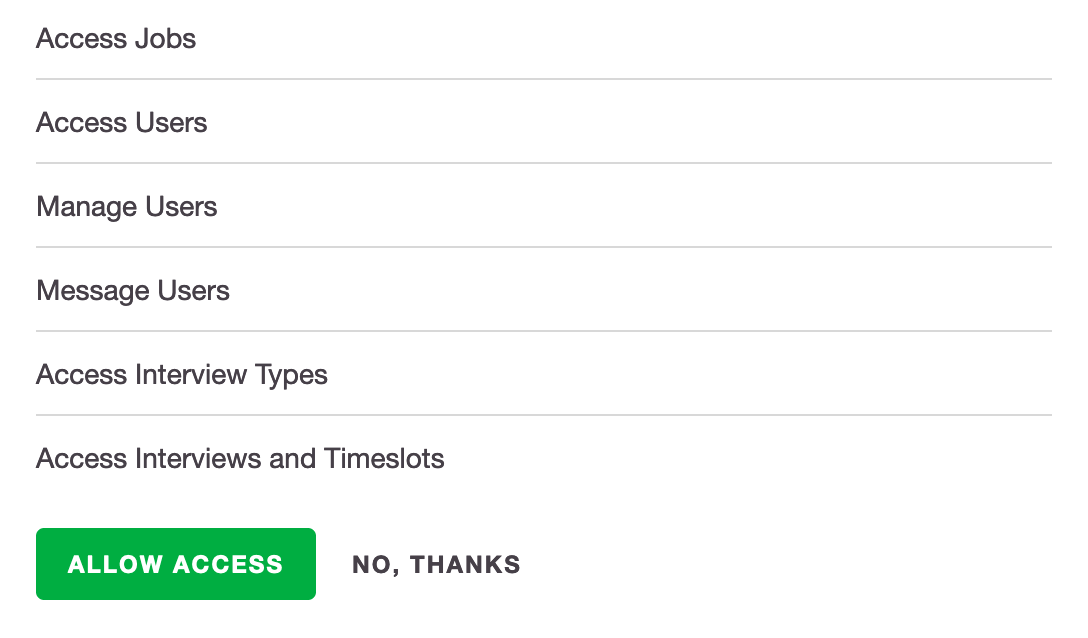
The permission list is specific to your connection; this screenshot is an example.
- If the connection pop-up asks you to create a custom source, follow the steps in Create a custom candidate source, then return to the pop-up.
- Click through the remaining pages of the pop-up to complete the configuration. When the connection succeeds, a green Connected button appears in your Integrations marketplace.
It may take up to 30 minutes for all data to sync between Juicebox and SmartRecruiters.
Create a custom candidate source
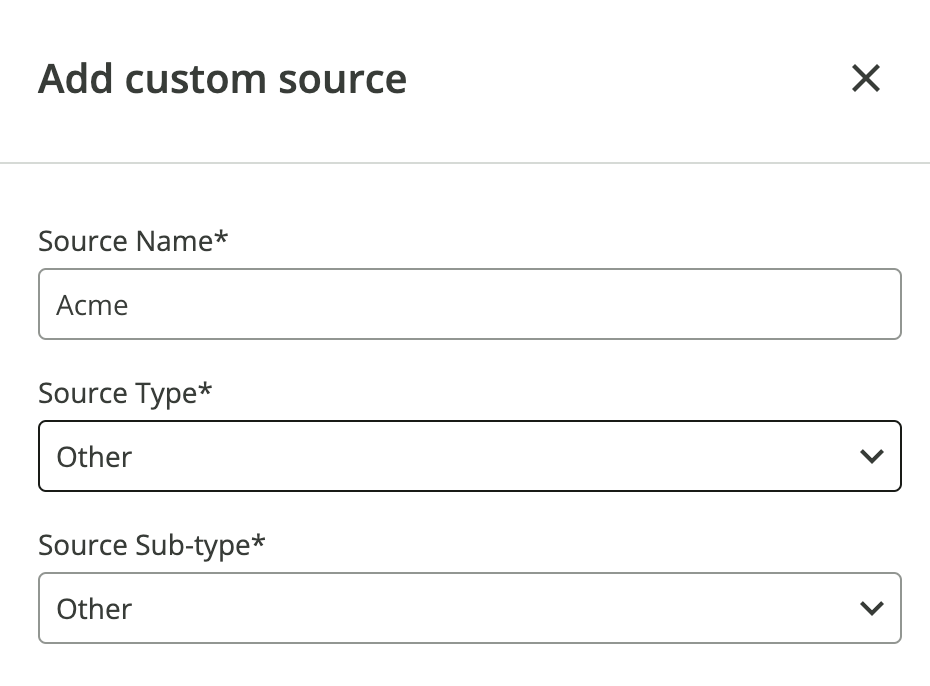
The connection pop-up may ask you to create a custom source in SmartRecruiters so candidates have the correct source attribution. It shows the Source Name to use.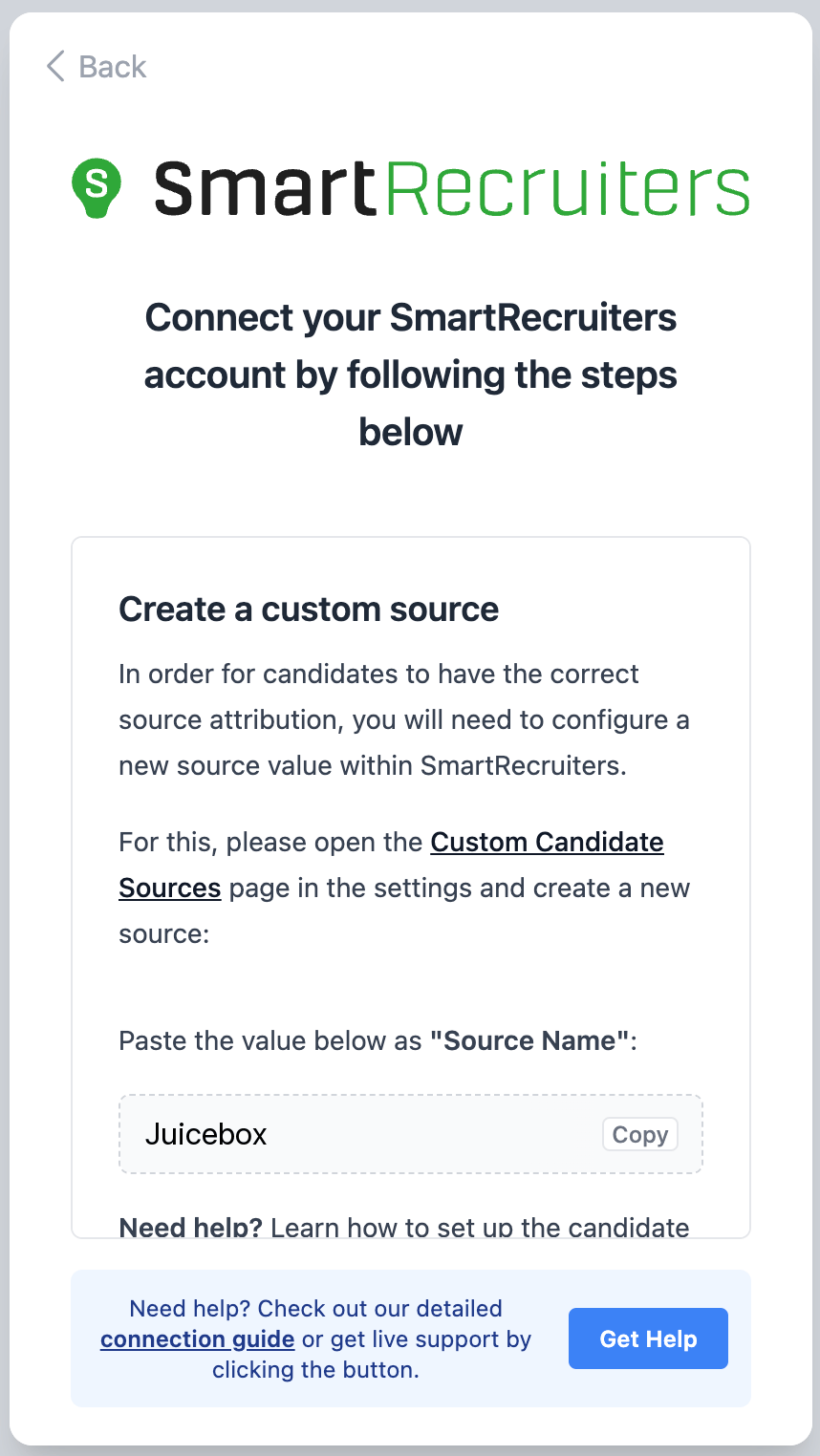
The source name is specific to your connection; this screenshot is an example.
-
Log in to SmartRecruiters and open Settings from the account menu in the top right corner.
-
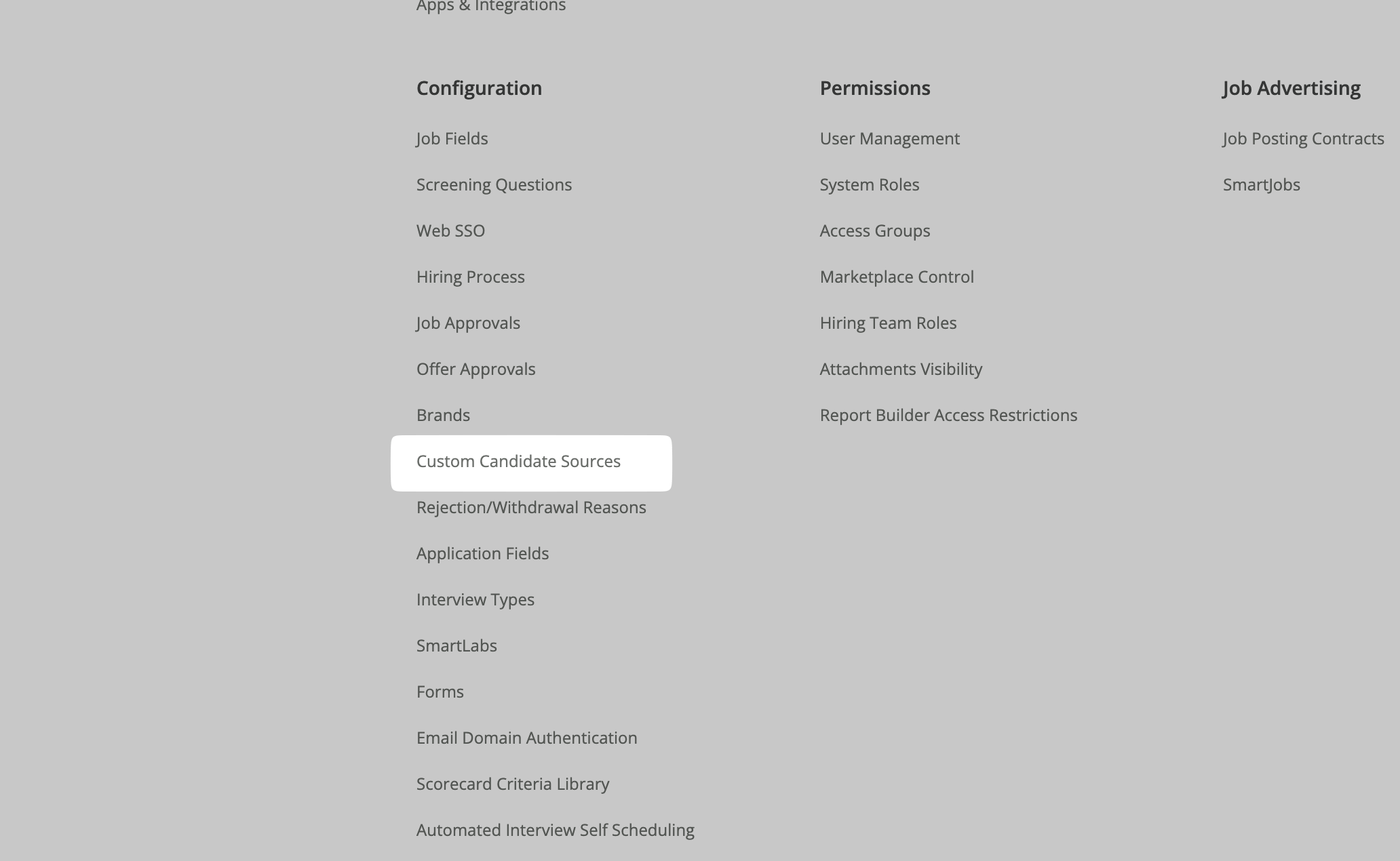
Under Configuration, click Custom Candidate Sources.
-
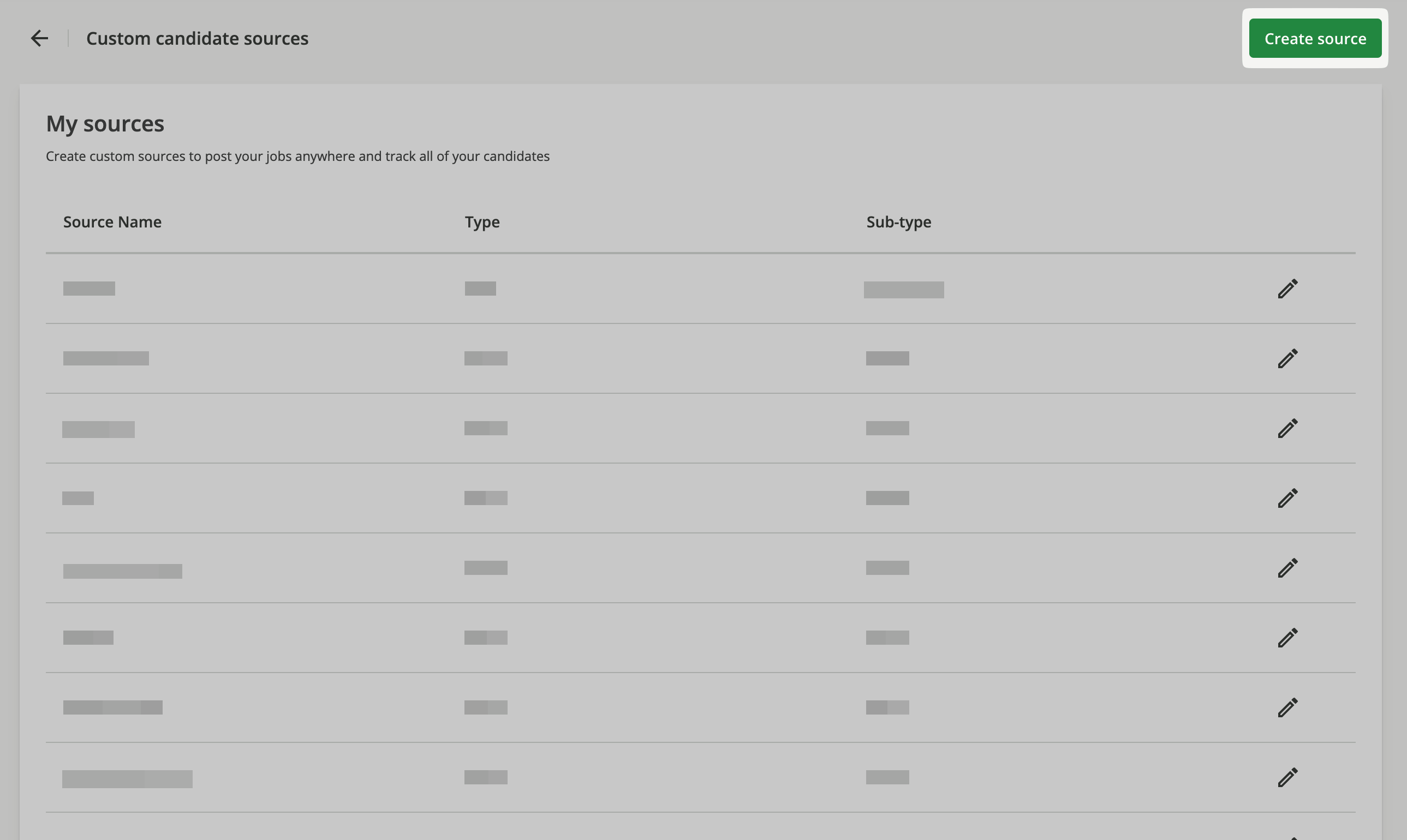
Click Create source.
-
Enter the Source Name exactly as shown in the connection pop-up. Select a Source Type and Source Sub-type, for example Other.