

Email Deliverability
How can I re-enroll bounced emails?
Put profiles whose emails bounced back into a sequence.
You can re-enroll emails that have bounced into a sequence.
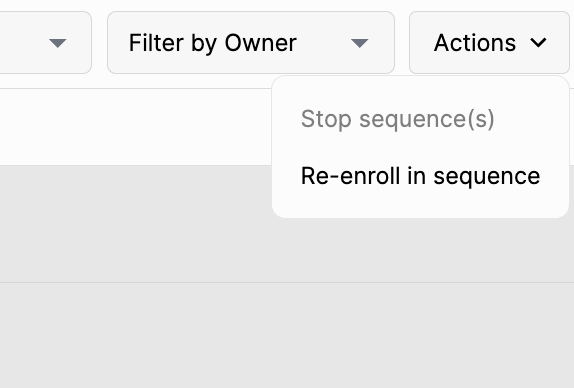
To do so, go to the sequence menu, select the profiles that have bounced, and click Actions > Re-enroll in sequence.