

About the integration
Juicebox’s integration with Recruiterflow allows you to:- Export Profiles to Recruiterflow: Save profiles directly into Recruiterflow, including contact details, current company and job, profile URLs, source, and more.
- [Configurable] Auto-Export: Juicebox has the ability to auto-export profiles to your ATS with configurable triggers, including: After Shortlist, After Outreach [default], After Interested Response
- Link Recruiterflow Jobs to Juicebox
- Import Job Descriptions: Import a job description from Recruiterflow into Juicebox to automatically kick off a search using the job description.
- Simplify Exports: When exporting a profile from Juicebox to the ATS, it will automatically be connected to the correct job in the ATS. More details here.
- View Profile in Recruiterflow: View profiles already in Recruiterflow within Juicebox. Avoid reaching out to the same profile twice, and instantly view your relationship history.
Start a project via the Recruiterflow integration
Open the projects page and select Import Job from ATS / CRM. You will then see your Recruiterflow jobs and can select the corresponding option.Export profiles to Recruiterflow
Follow the regular export steps and select Export to Recruiterflow on either an individual profile or a bulk export. After exporting, you will see the profile created in your Recruiterflow account under Candidates.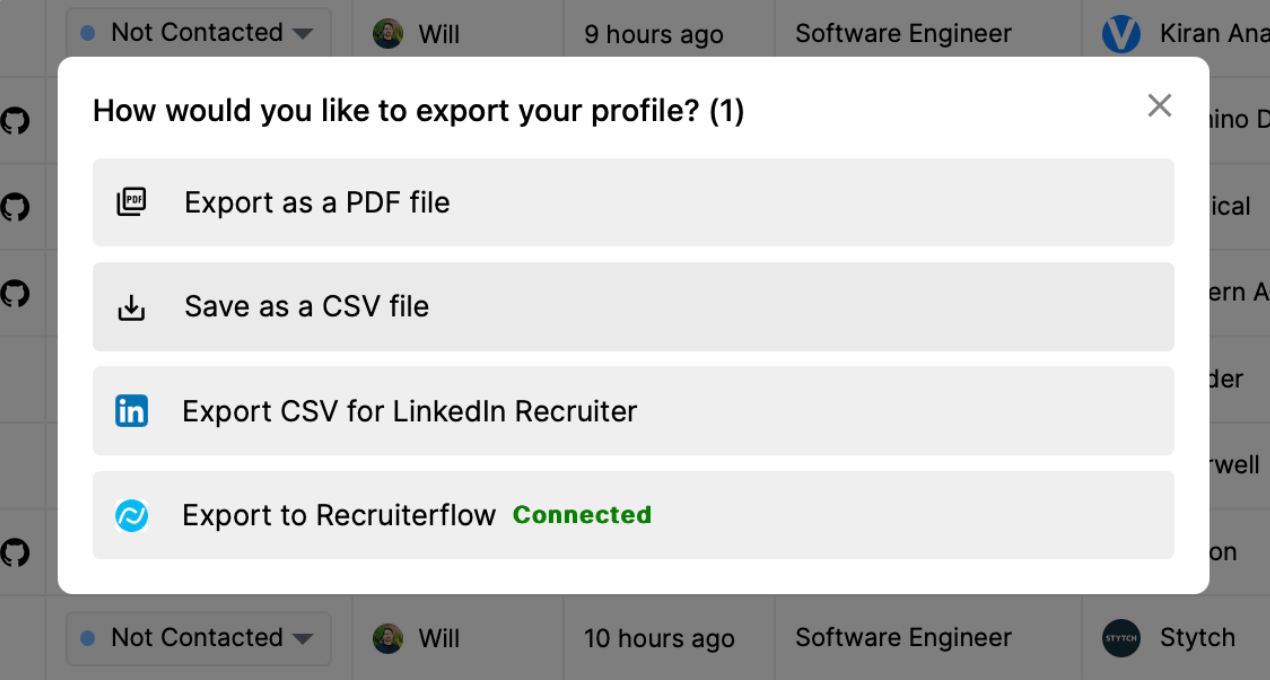
View profiles already in Recruiterflow
Juicebox will tag profiles that already exist in Recruiterflow. You will see the last modified date, as well as the option to view the profile directly in Recruiterflow by clicking the View in ATS button.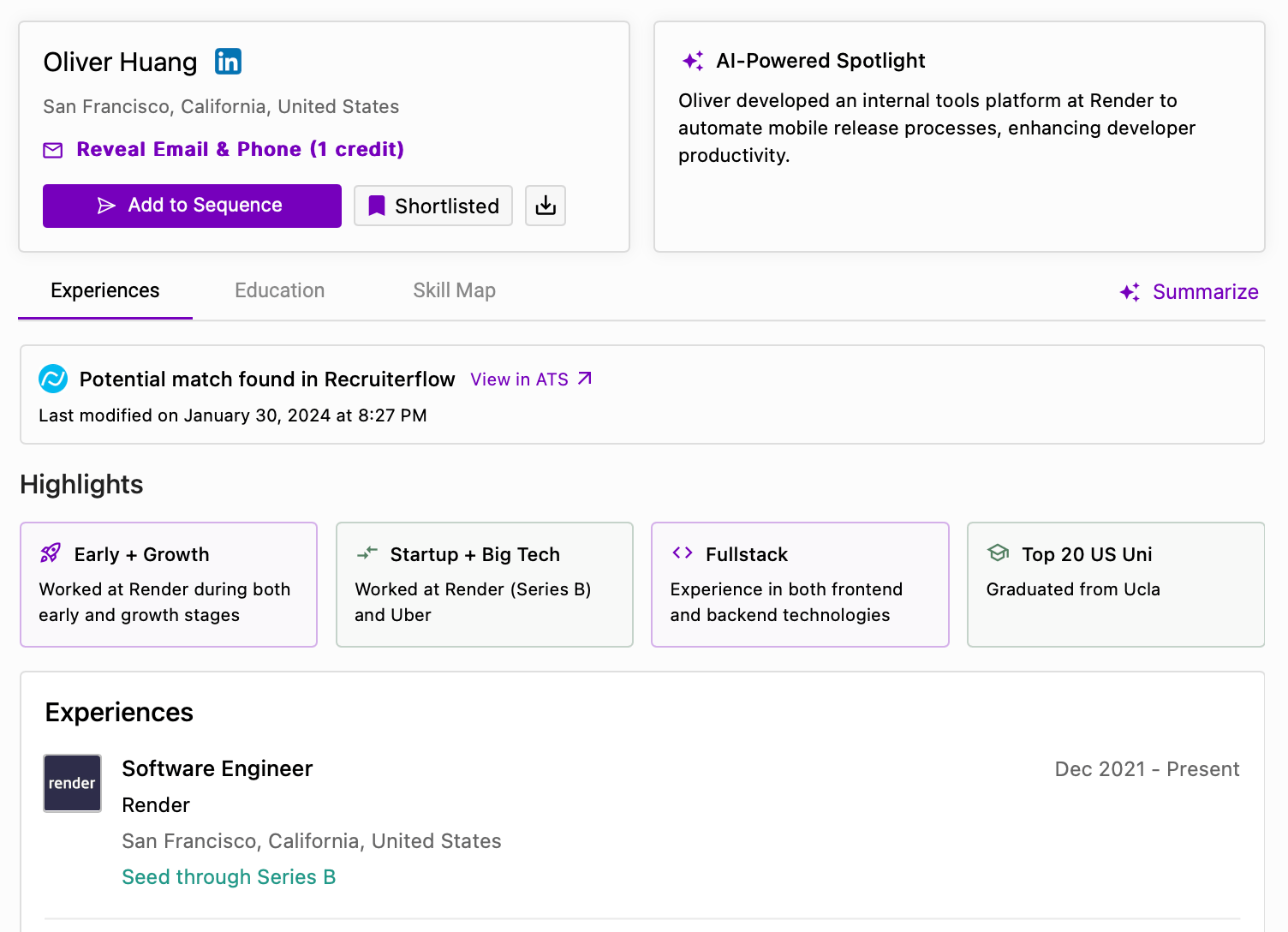
Setting up the integration
-
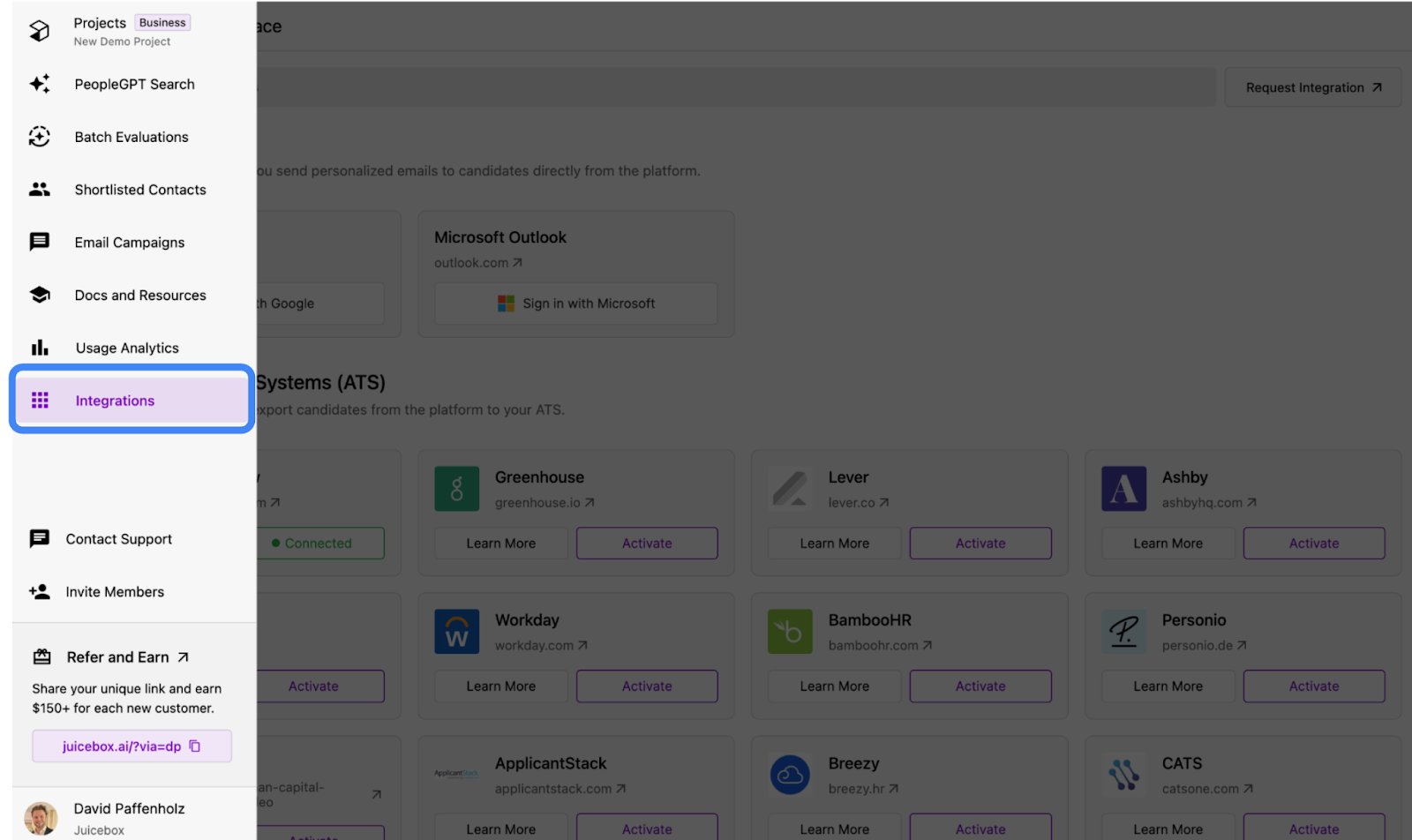
Navigate to the Integrations tab on the Juicebox platform.
-
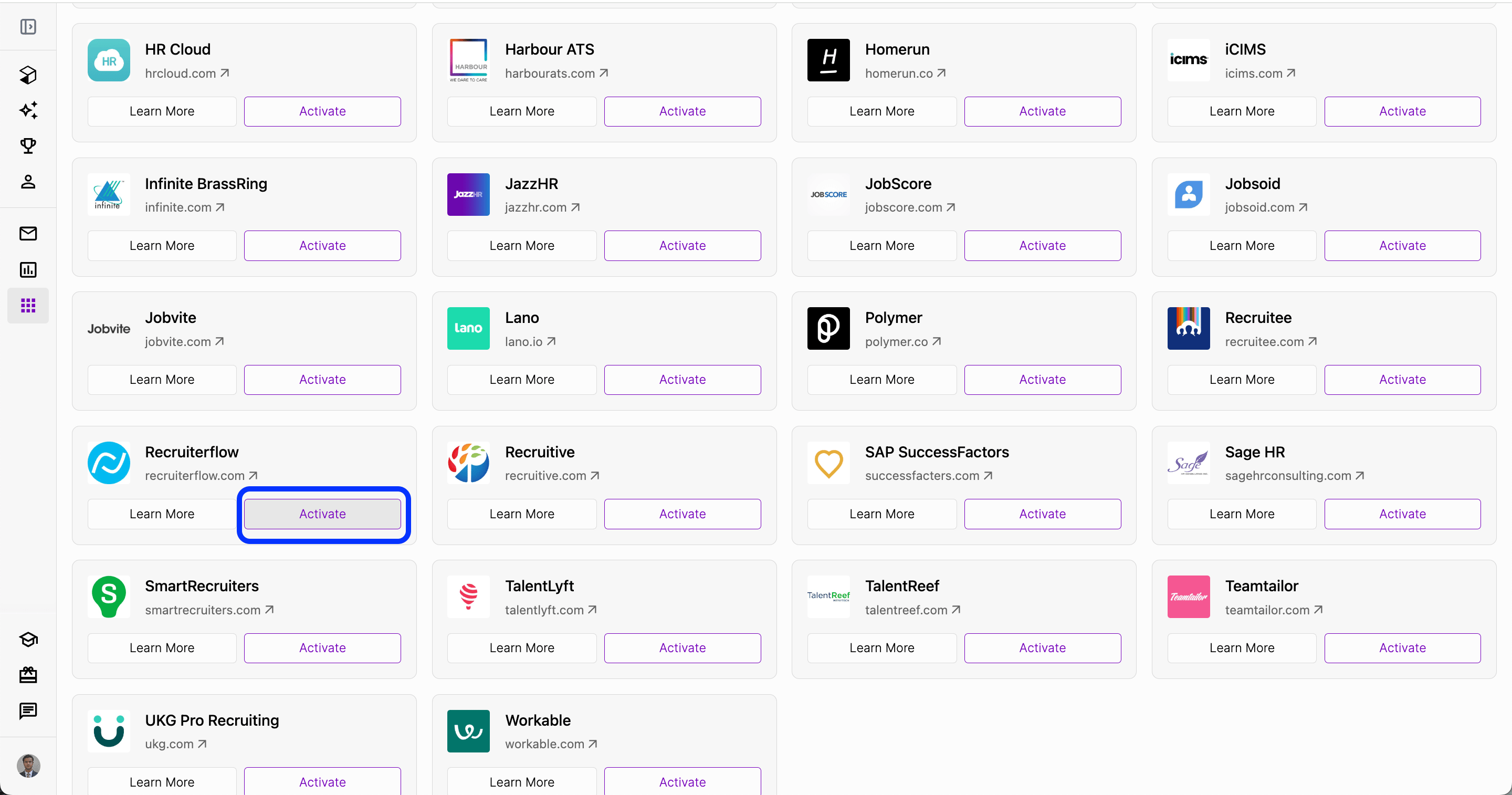
Select Recruiterflow and click Activate. You can also use the search bar at the top.
-
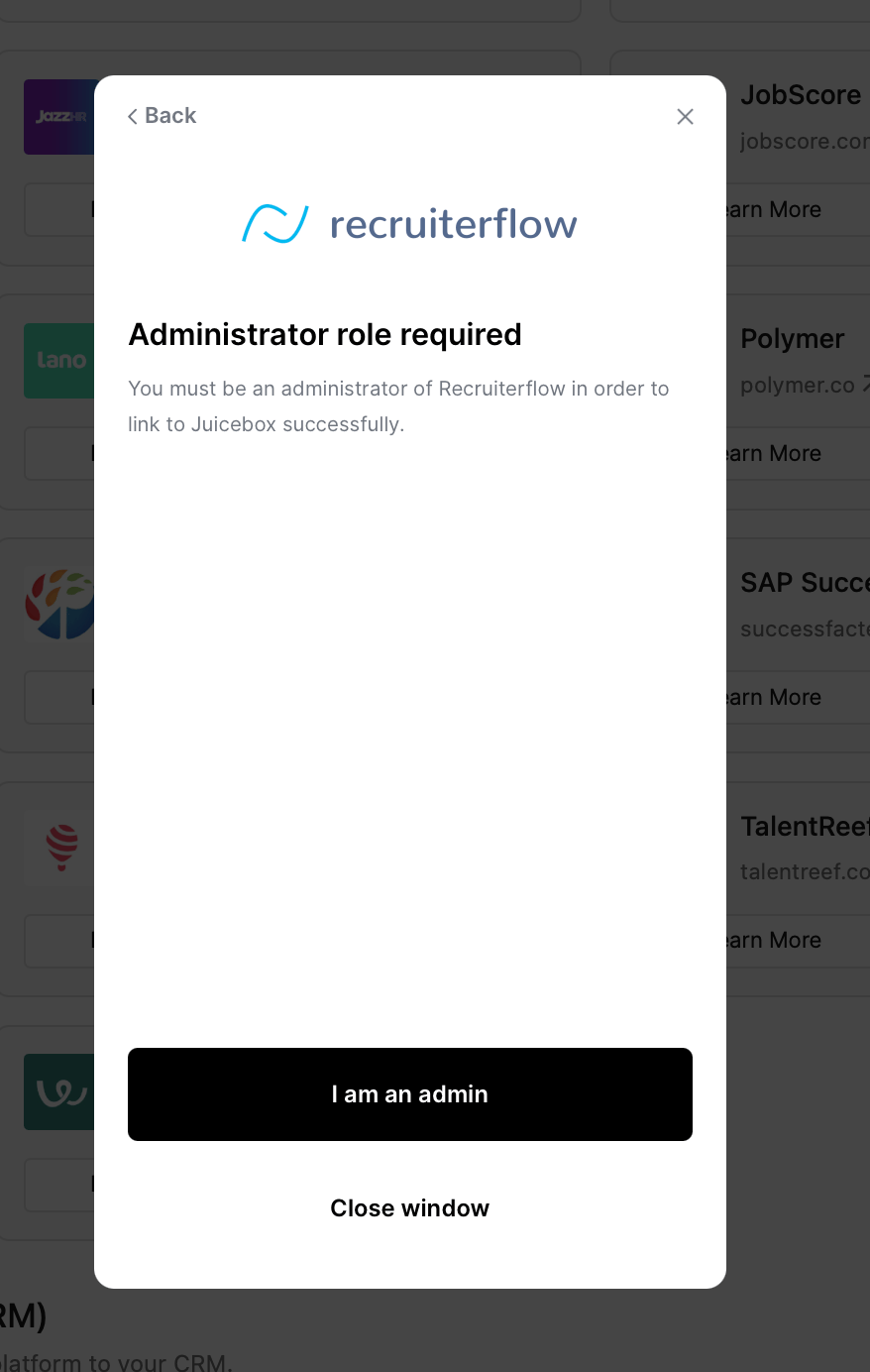
You will see a pop-up asking to activate your integration. Note that you must be an administrator of Recruiterflow in order to link to Juicebox successfully.
-
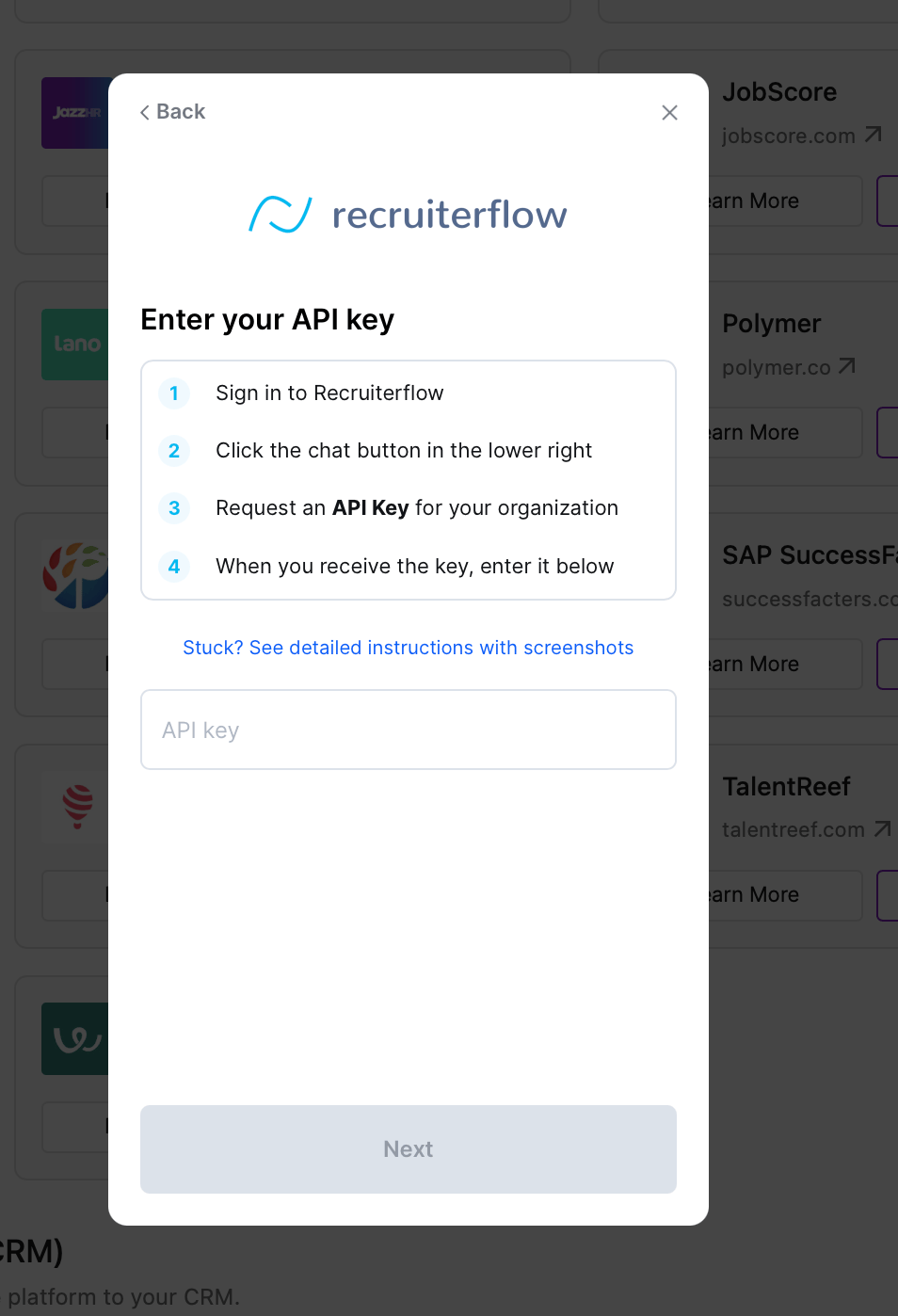
After reviewing privacy information, you will be prompted to enter your API key and your secret key. To obtain these keys, contact Recruiterflow support directly.
-
After entering your keys, the integration will be completed.
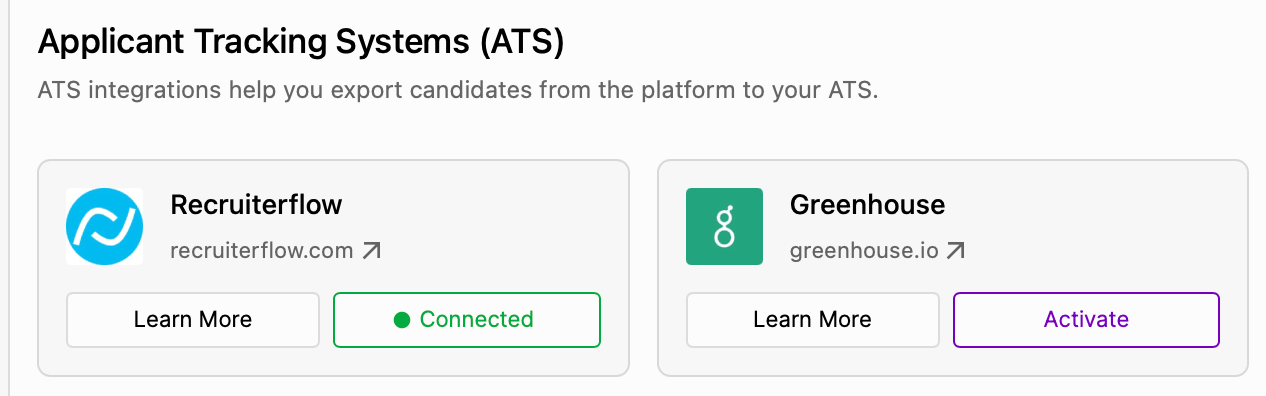
It may take up to 30 minutes for all data to sync between Juicebox and Recruiterflow.