

Email strict mode
Strict mode only sends emails to contacts with verified email addresses. This helps reduce bounce rates and maintain a healthy sender reputation, but reduces email data coverage.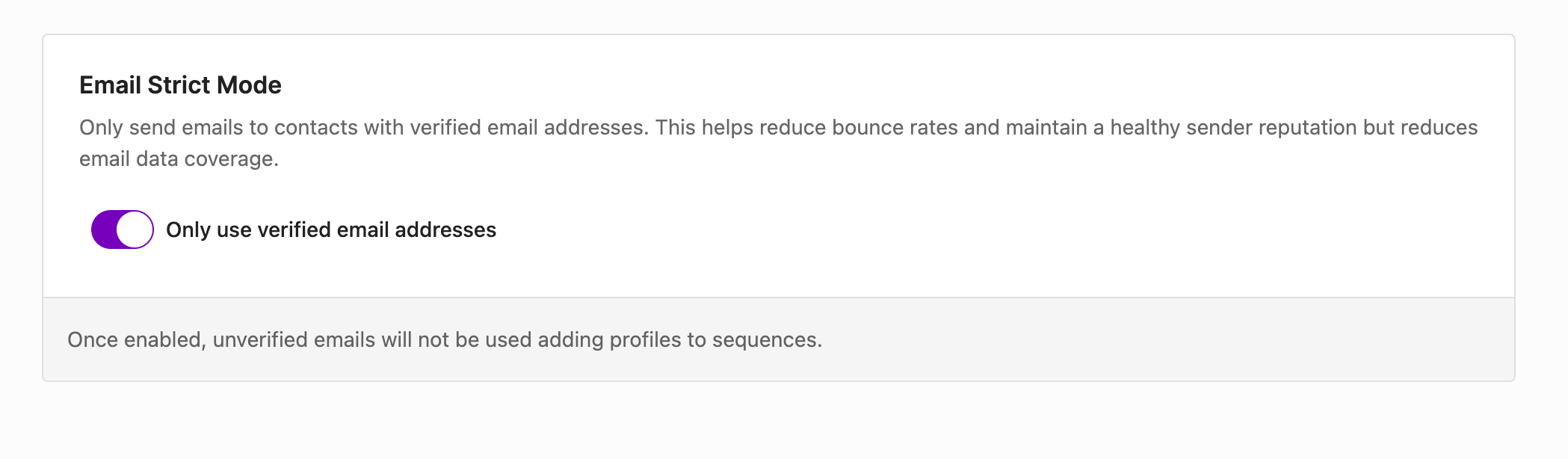
Email preference
When adding profiles into a sequence, using only personal emails can also help reduce bounce rates.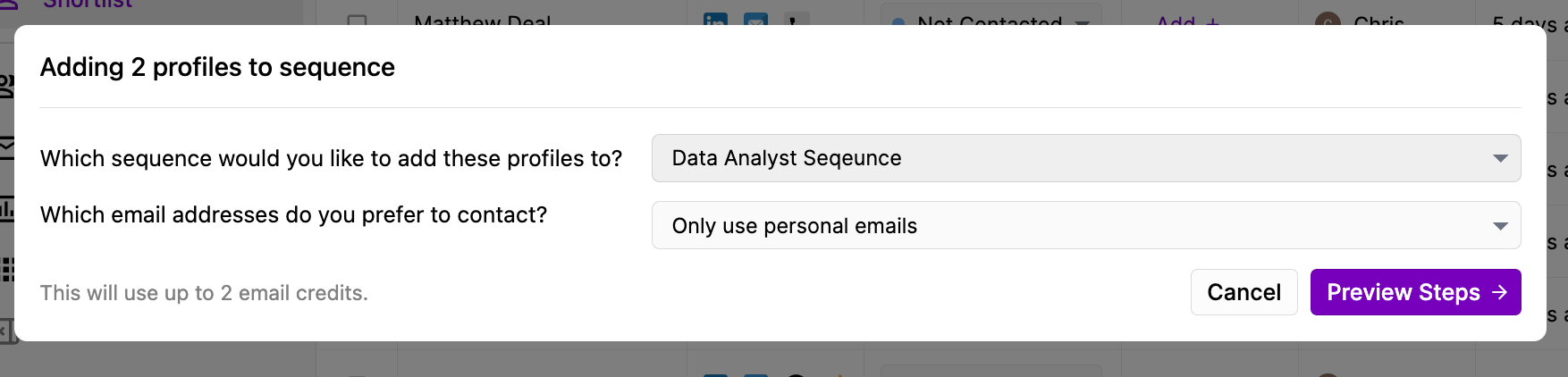
Limiting maximum emails per day
Ensure your domain is healthy by limiting the maximum number of emails sent daily, including new sequences and follow-up emails from historic sequences.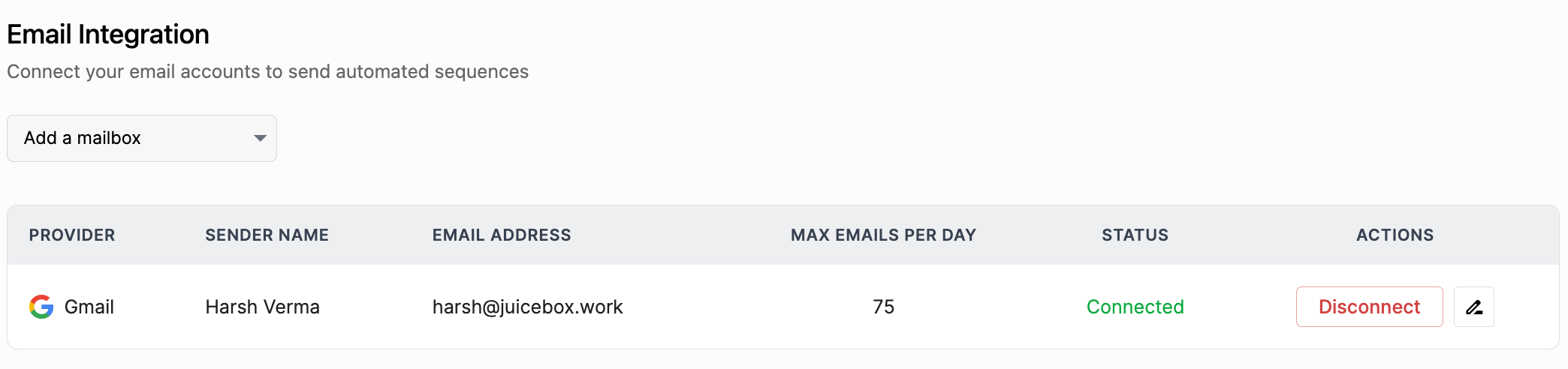
For unusually high bounce rates
- Check your email domain health.
- Re-connect your mailbox from the Integrations page.